Enable reply capture
Enable reply capture for supported future sends through the shared API, SMTP, campaign, and workflow pipeline.
SendMailOS Inbox
Give the reply somewhere to go. Keep customer messages connected with the emails you send, and make the next response easier to follow.
Customer replies
Configure receiving, send an email, and receive the customer’s reply in a conversation. Read the thread, reply from the dashboard, and mark it read or closed when you have what you need.
A new customer reply brings the conversation back. The context stays with the message instead of becoming another disconnected email.
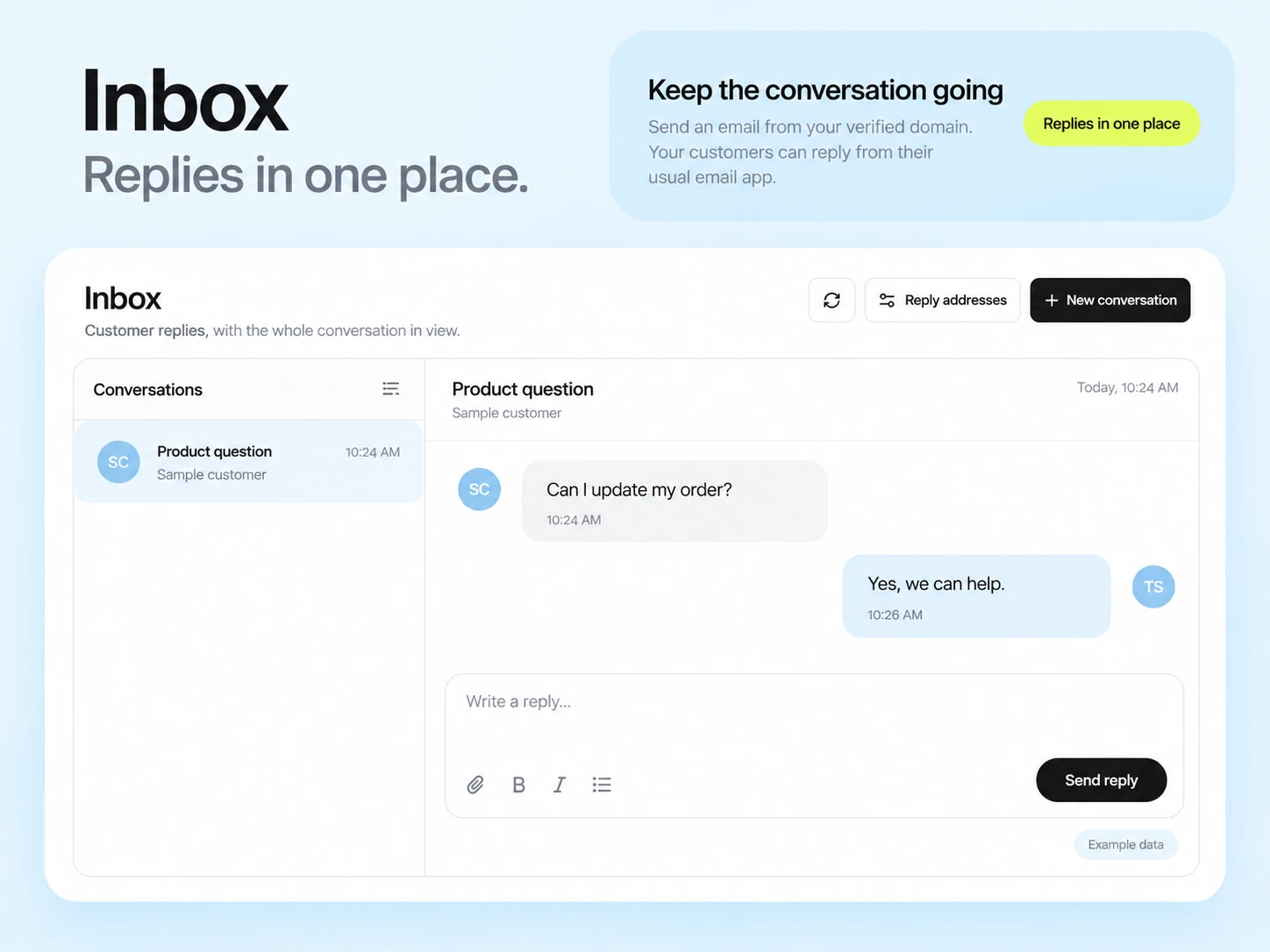
Enable reply capture for supported future sends through the shared API, SMTP, campaign, and workflow pipeline.
Keep outgoing messages and incoming replies together. Review the conversation before writing the next response.
Use the platform reply address or set up a verified receiving subdomain with the DNS records shown in your workspace.
Developer tools
Create a conversation through the API, send a reply, and subscribe to signed email.received webhooks. Fetch the messages when your application needs to display the thread.
Use your own reference ID to connect a conversation with a booking, order, or support request in your product.
Review reply-capture setup help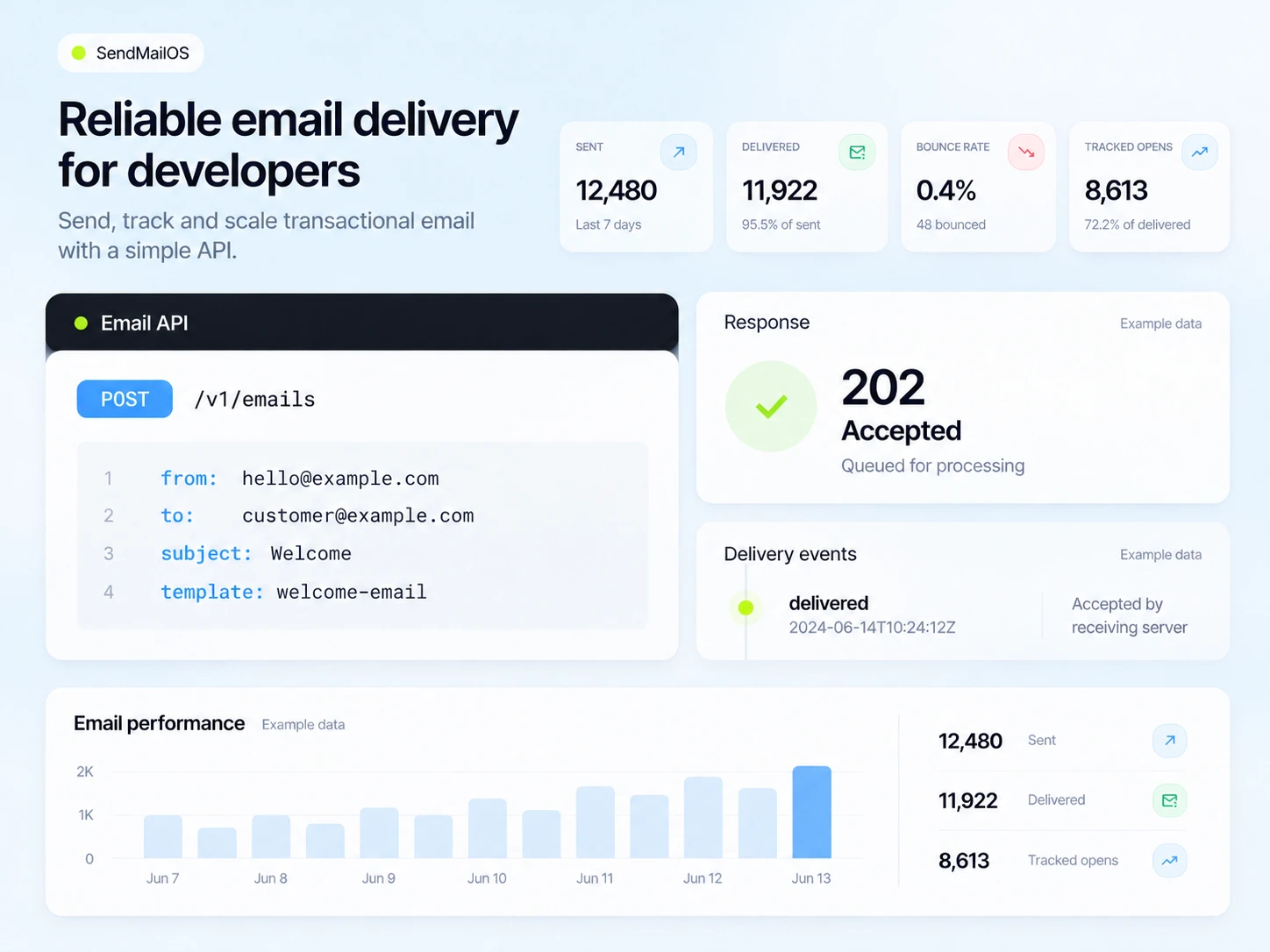
Questions and answers
Inbox is built for reply conversations connected to your outgoing email. It is not a general IMAP mailbox replacement for your existing business email.
Enabling reply capture applies to future supported sends. Previously sent messages keep the Reply-To address they had when they were sent.
Yes. Subscribe to the signed email.received webhook, then fetch the conversation and message through the authenticated API.
Yes. Add a receiving subdomain under a verified domain, publish the displayed ownership and MX records, and check its DNS before selecting it for replies.
Start free
Give your next message a place for the answer.