Reusable email templates
Save templates for your recurring newsletters, announcements, and updates. Keep refining the original design rather than rebuilding each email.
Campaigns
From your first newsletter to your next product launch, make every announcement feel considered. Design, prepare, and send it from one workspace.
Visual email editor
Build your email with rows, columns, and individual content blocks. Adjust images, type, spacing, and buttons in the visual editor, then reuse the design when the next idea arrives.
Check your preview and send a test before you reach your subscribers. A good first impression deserves a second look.
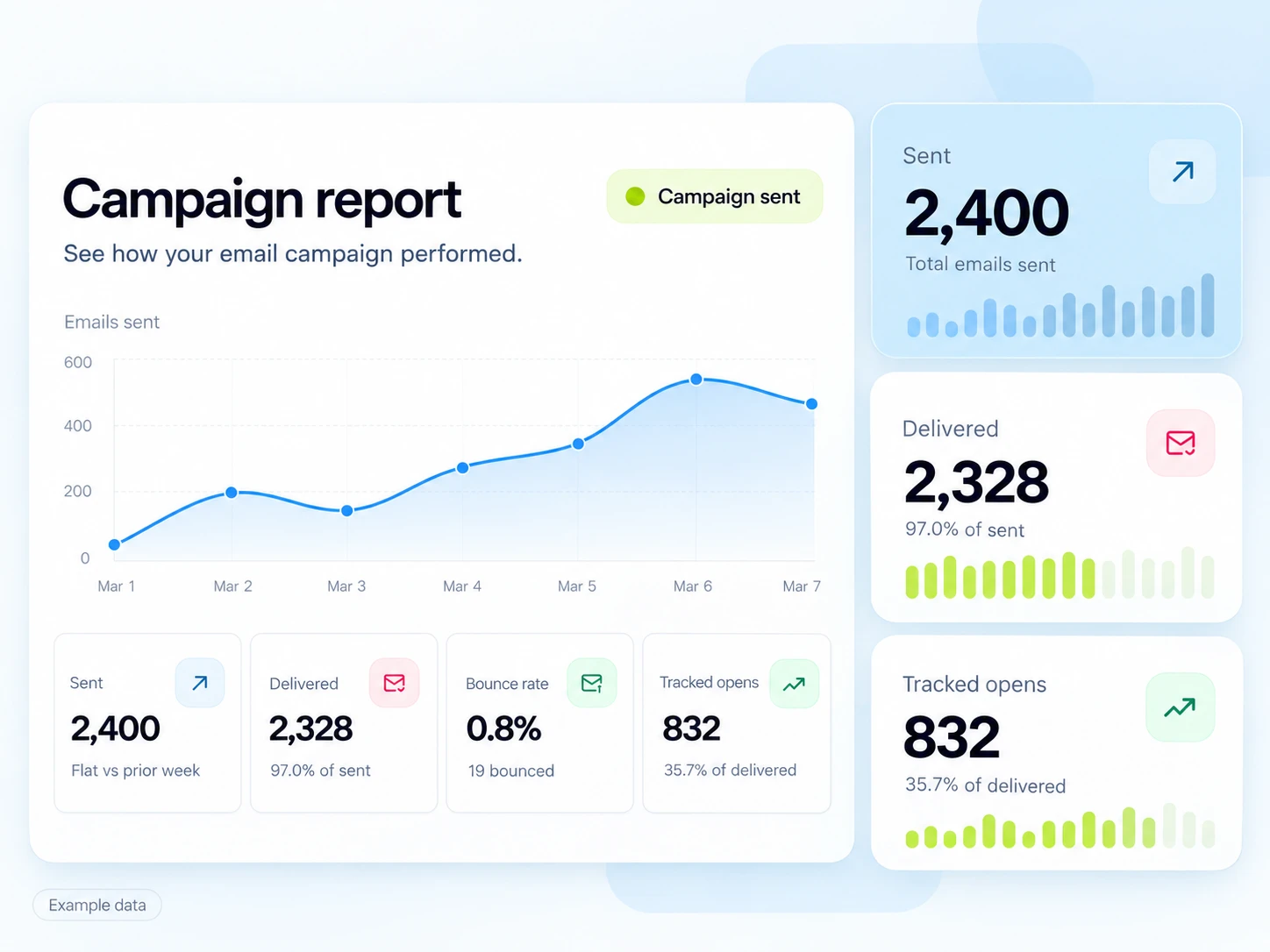
Bring your message and your audience together before you press send.
Save templates for your recurring newsletters, announcements, and updates. Keep refining the original design rather than rebuilding each email.
Organize subscribed contacts with tags and audience rules. Give each campaign a group of people it makes sense for.
Review your subject, message, audience, and attachments. Send a test, then send now or schedule the campaign for later.
AI email templates
Give a compatible MCP assistant a campaign brief, your colors, and a clear call to action. Template Studio creates the design in your SendMailOS organization.
The result stays fully editable. You can move sections, rewrite the headline, and adjust the mobile layout in the same visual editor you already use.
Create with Template Studio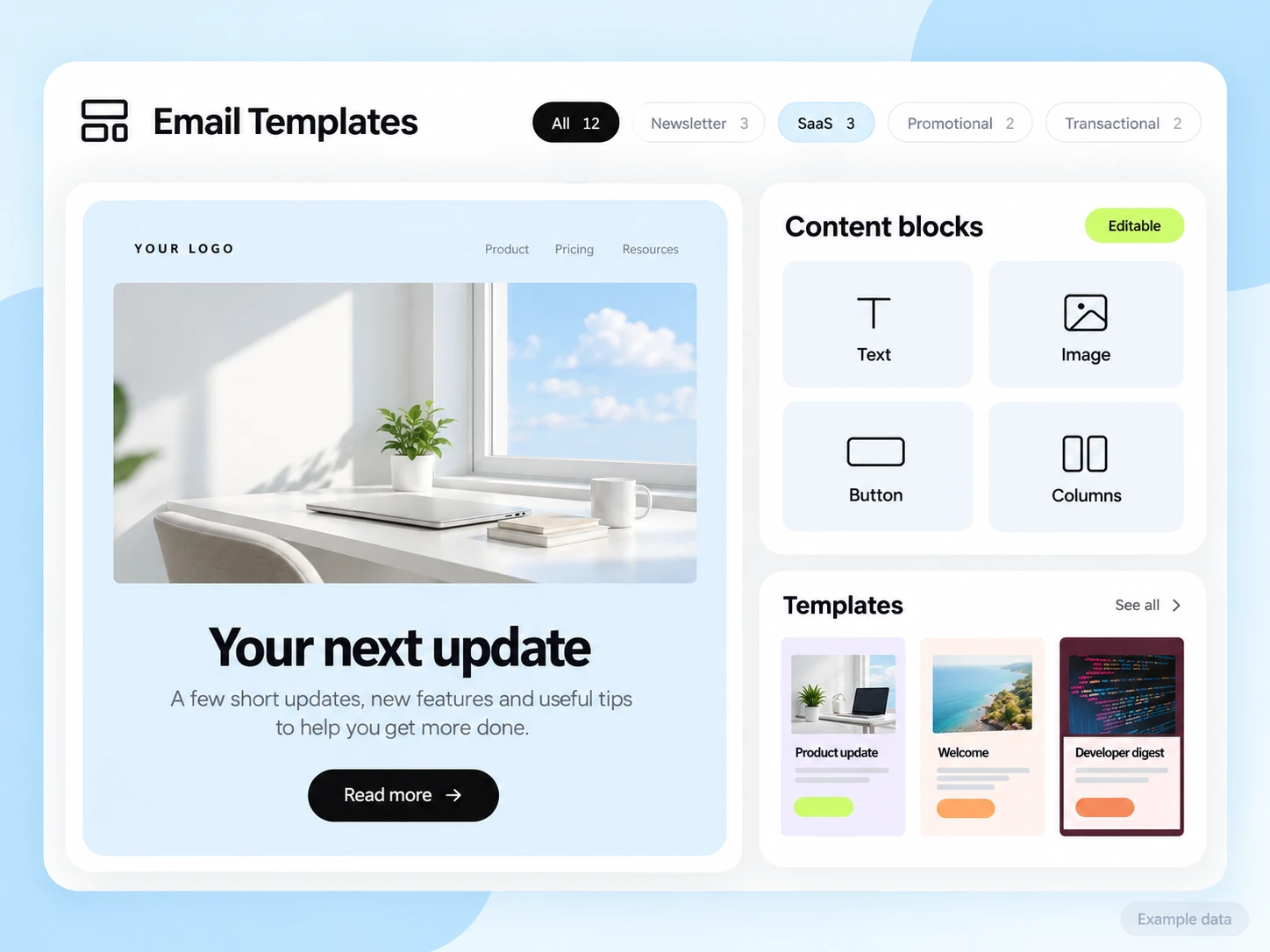
Review delivery, opens, clicks, and bounces to understand how a campaign was received. Add Pixel when you want to connect with website activity.
Discover subscriber insightsEnable reply capture for future sends and bring customer responses into your Inbox conversations.
Meet your InboxUse a workflow for the welcome sequence or follow-up that should happen beyond a single broadcast.
Build a journeyQuestions and answers
Yes. The campaign editor supports test sends so you can review your email before sending it to its audience.
Campaigns support attachments in the editor and review flow. Add them to an unlocked draft and check them in a test send before launch.
Yes. Save a template and use it as a starting point for future campaigns. Templates keep their editable structure, including designs created through Template Studio MCP.
Start free
Give it a clear message, a considered design, and a place in someone’s inbox.