Email campaigns
Build reusable templates, organize your audience, and prepare your next announcement with a clear path from draft to send.
Explore campaignsEmail platform
A launch announcement. A timely welcome. A customer’s next question. Keep the emails that grow your business close to the tools that run it.
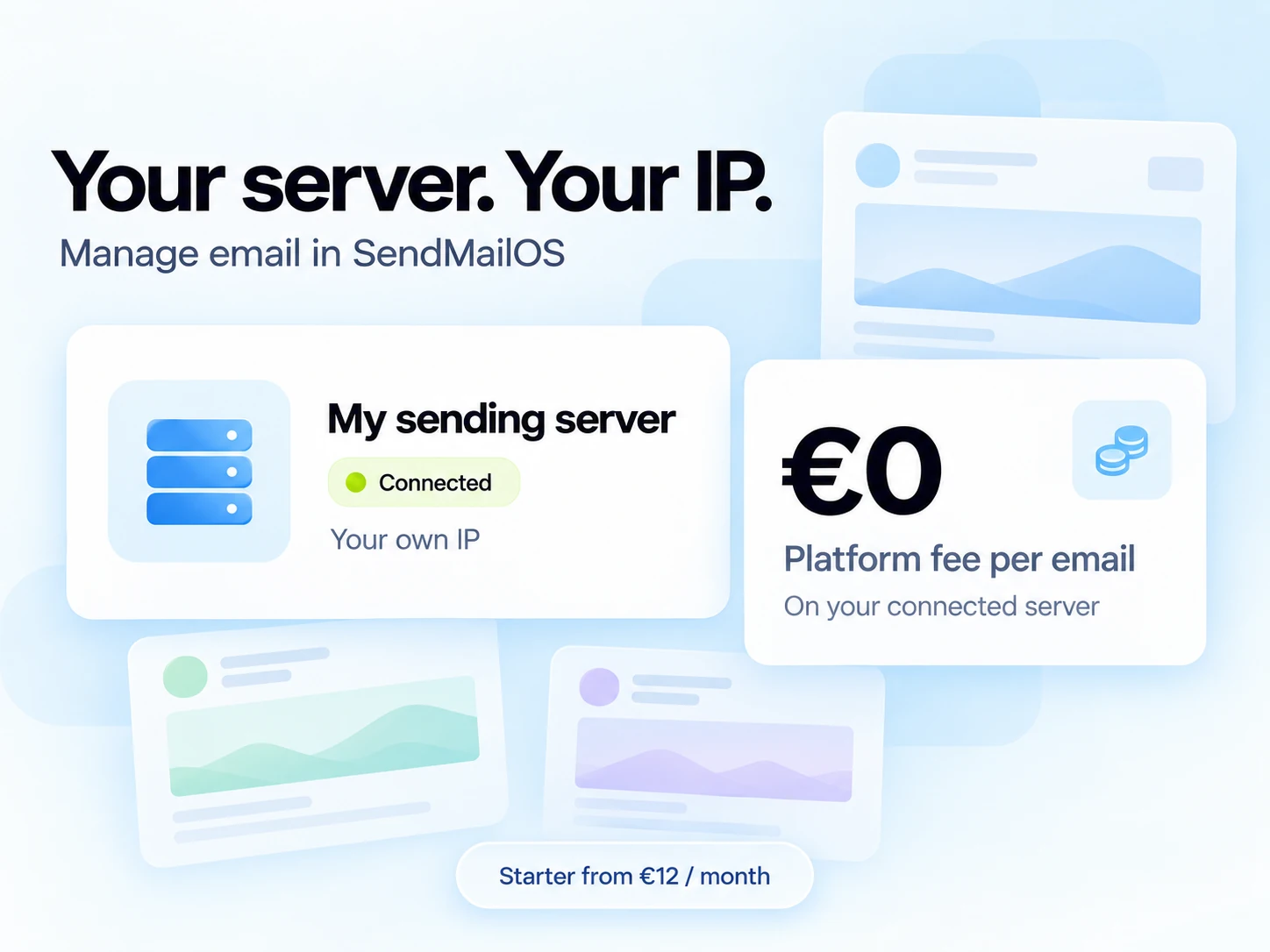
Connect your own VPS to SendMailOS. Create campaigns and manage your email in our platform, then send through your own server and IP.
Your plan and VPS costs still apply. Daily warm-up, safety checks, fair-use, and your server’s capacity apply to sending.
Email features
Create an email in the visual editor, choose your audience, and send it from your own verified domain. Then follow the response through delivery events, site activity, and customer replies.
Your marketing team gets a place to create. Your developers get an API to build with. Your audience gets a more connected experience.
Meet your next campaign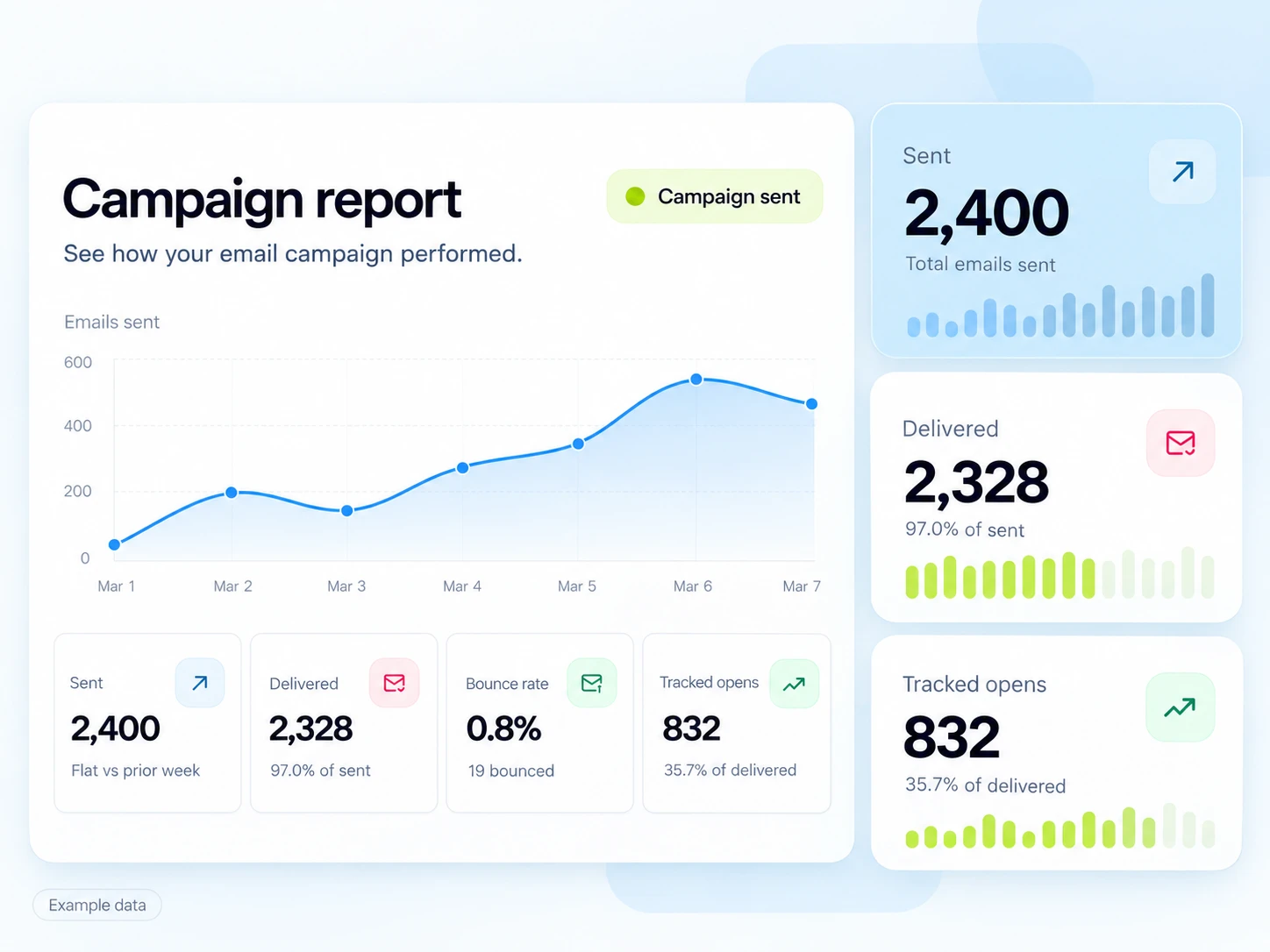
Find the right tool for the moment, without scattering your email operation across separate products.
Build reusable templates, organize your audience, and prepare your next announcement with a clear path from draft to send.
Explore campaignsTurn a signup, tag, or connected event into a journey with emails, delays, and conditions.
Explore automationsConnect website behavior with identified subscribers and build segments around what matters to your business.
Explore PixelBring outgoing emails and incoming customer replies into conversations your team can follow.
Explore InboxSend through the HTTP API or SMTP. Connect delivery events to your own application with signed webhooks.
Build with the APIConnect a compatible MCP assistant to Template Studio and create structured email designs that stay editable.
Meet Template StudioTemplate Studio
Describe your next email to a compatible MCP assistant. Template Studio saves the result as editable rows, columns, and blocks in your SendMailOS workspace.
Open it in the visual editor to change a heading, move an image, restyle a button, or make the whole thing feel more like you.
See how Template Studio connects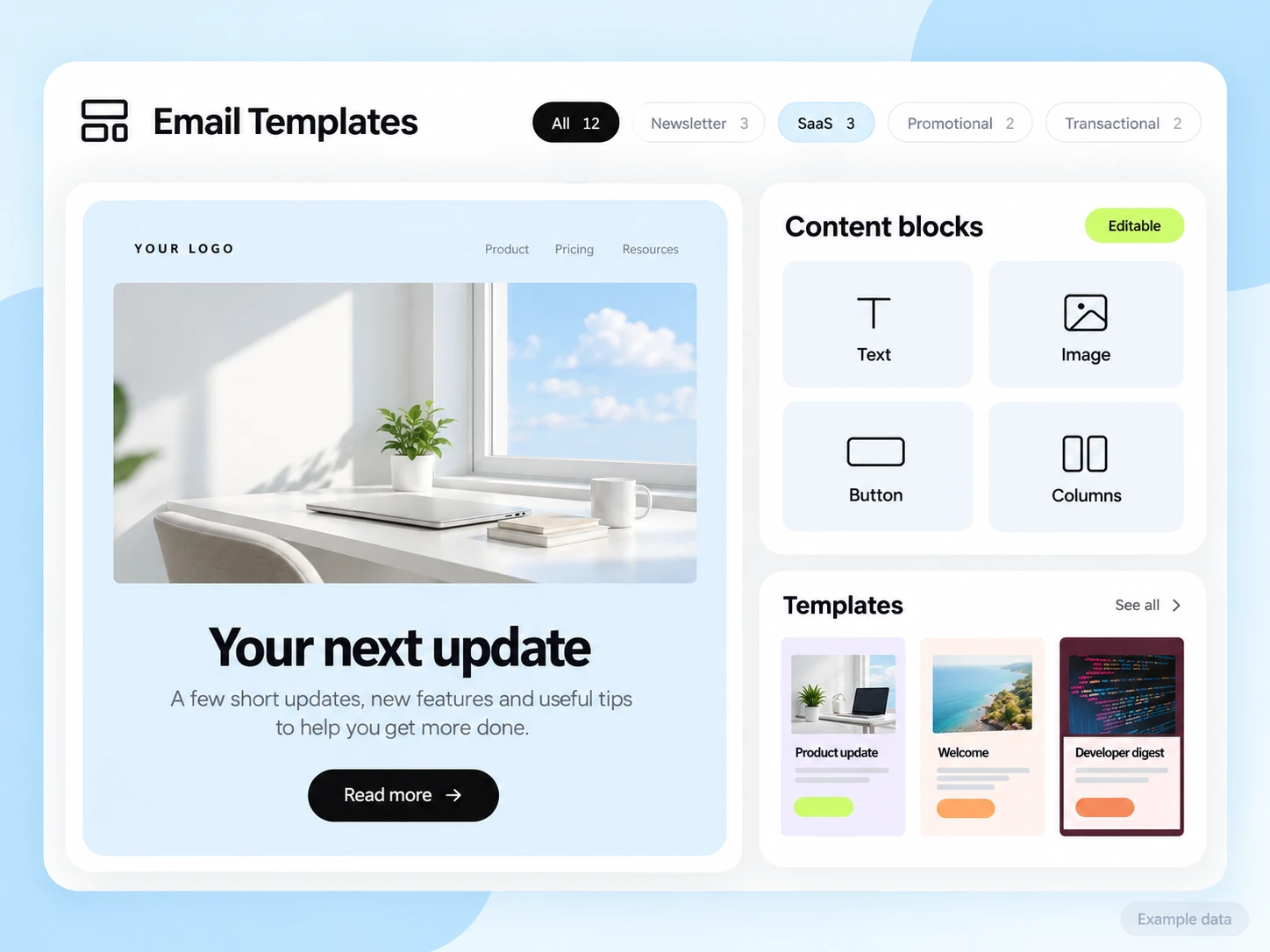
The daily work belongs here, too. Keep your audience, sending identity, and delivery visibility close to your next idea.
Import contacts, manage subscribed contacts and tags, and build the right audience for your next message.
Explore audiencesVerify your domain and follow the displayed DNS records for your sending identity, authentication, and tracking.
Set up your domainReview delivery status, opens, clicks, bounces, campaign reports, and email logs. Retention depends on your plan.
Explore campaign reportingManage API keys, connect signed webhooks, and inspect deliveries so your application can stay in the loop.
Build a connectionFrom €12/month on Starter, connect your own VPS and send from your own IP with no platform per-email charge. Own-server messages do not use hosted email credits.
Check plan availabilityKeep work in its organization, manage team membership, and approve scoped connected apps. Team limits vary by plan.
Find your planQuestions and answers
Both. Create campaigns and workflows in the dashboard, or connect your application through the API and SMTP. Your team can work in the same organization while using the tools that fit their role.
Yes. Add your domain and publish the DNS records shown in the dashboard. Domain verification connects your sending identity with the platform.
The two work together. The MCP assistant creates and updates structured templates; the editor lets you keep refining their individual elements afterward.
Help choosing
Compare plans and tools around the emails your business needs to send.
See how SendMailOS compares with Mailchimp, Brevo, MailerLite, and SendGrid.
Read the guideCheck contact caps, sending limits, and the features your team needs.
Read the guidePlan campaigns, welcome new subscribers, and manage customer replies.
Read the guideStart free
Create an account and start with 3,000 free emails each month.