Plan email campaigns by market
Use regional and country guides, practical planning worksheets and official sources to prepare your next market launch.
Explore country guidesResources
Practical guides for your first send, your next integration, and the details in between. Go straight to the documentation that moves your work forward.
Put it into practice
Use practical guides, examples and local checks to prepare the work before a live send.
Use regional and country guides, practical planning worksheets and official sources to prepare your next market launch.
Explore country guidesMap the active audience, keep exclusions out of the import, and run a CSV preflight before a controlled pilot.
Open the resourceExplore example email layouts, copy a Template Studio brief, or follow a starter workflow recipe.
Open the resourceSeparate generic SMTP setup, API recipes and Template Studio MCP from product-specific native plugins.
Open the resourceKeep a browser-only checklist for audience, content, route, allowance and result checks.
Open the resourceCheck provider SMTP restrictions, agent pairing, domain routing and the costs around your VPS.
Open the resourceSee the boundary between the managed workspace, hosted delivery, your own server and replies.
Open the resourceStart here
The quickstart walks through creating an API key, verifying your sending domain, making your first request, and following the delivery result.
Use it as your first working connection, then build out the rest of your integration at your own pace.
Follow the email quickstart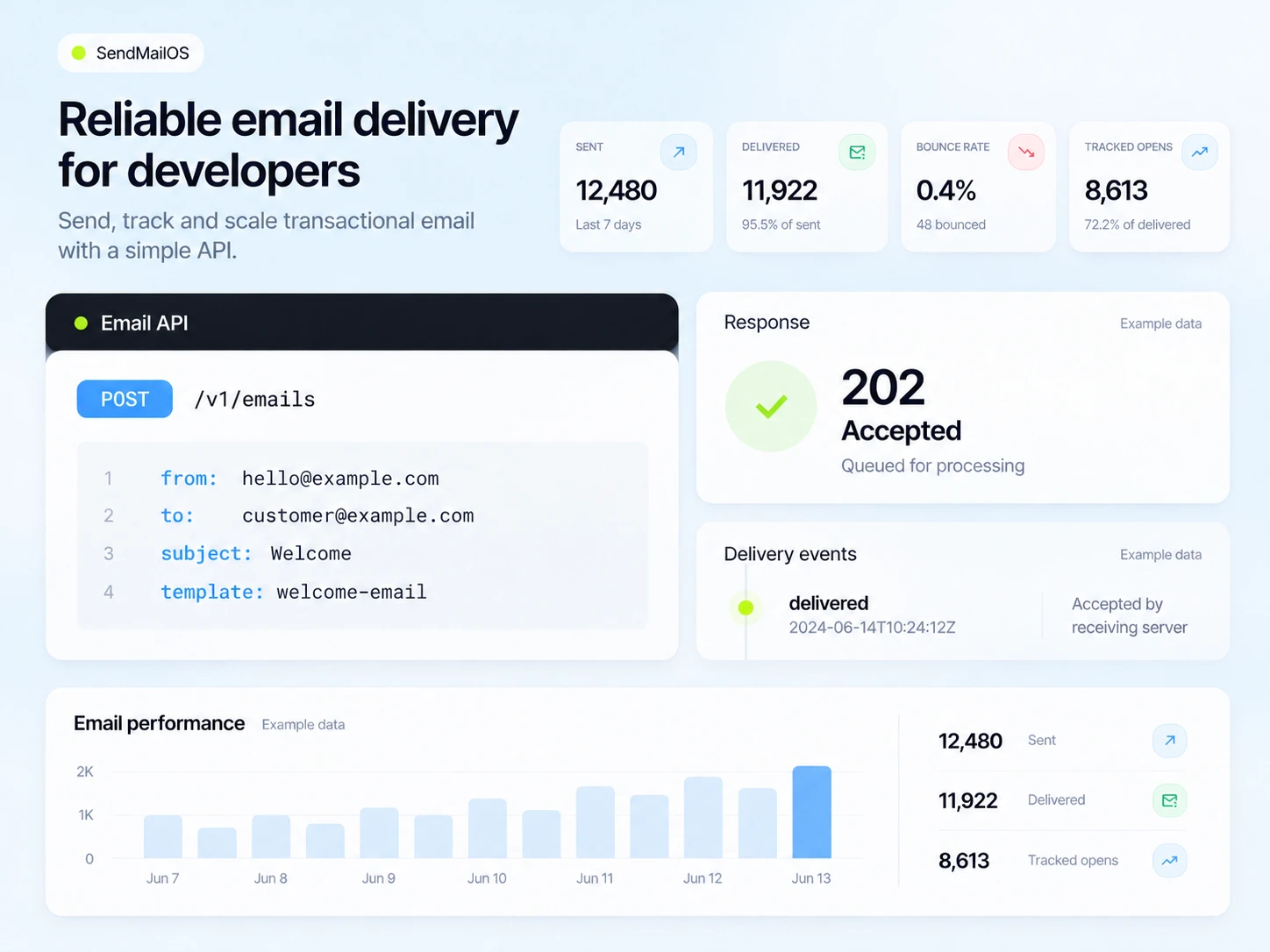
The setup guides, without the search through old release notes.
Connection details, TLS ports, sending passwords, verified domains, and a practical WordPress setup.
Read the SMTP guideCreate an endpoint, verify its challenge, check webhook signatures, and handle retries.
Read the webhook guideCreate a thread, send a message, receive a reply, and connect it with your application.
Review reply-capture setup helpMCP integration
Connect a compatible assistant to Template Studio MCP using the remote server URL and OAuth. Choose your organizations, describe the email, and save an editable template.
The guide explains the connection, supported template operations, and how to keep control of organization access.
Set up Template Studio MCP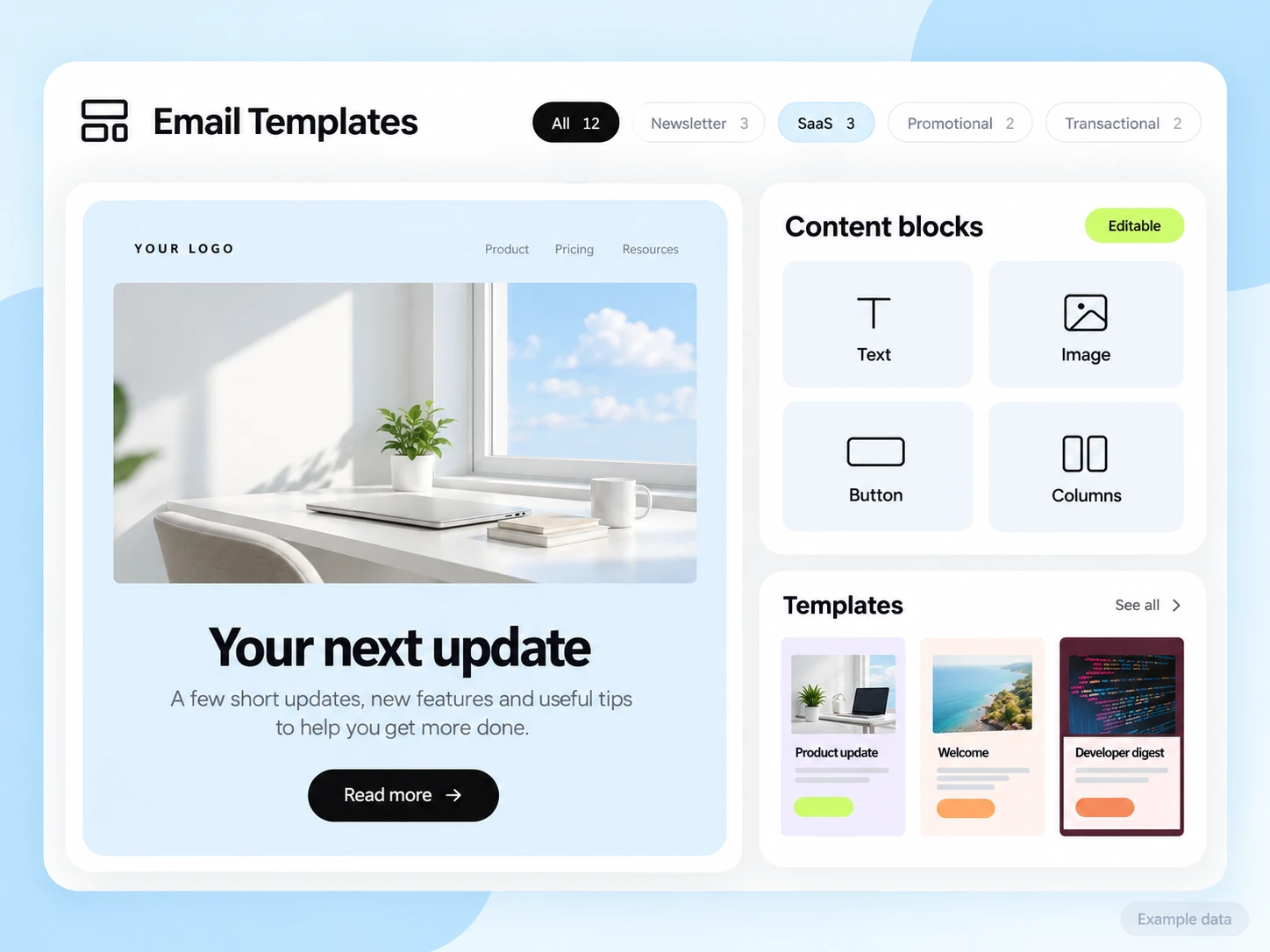
Keep these guides close as your first request becomes a production integration.
Understand live keys, simulated test sends, OAuth grants, and the permissions attached to each request.
Read authenticationUse idempotency keys to retry the same email request without intentionally creating another send.
Read idempotencyRead request IDs, structured errors, and retryable responses so your application can take the right next step.
Read responses and errorsHelp choosing
Compare plans and tools around the emails your business needs to send.
Compare hosted platforms and self-hosted alternatives using the same audience, delivery and cost assumptions.
Read the guideCheck contact caps, sending limits, and the features your team needs.
Read the guidePlan campaigns, welcome new subscribers, and manage customer replies.
Read the guideThe full reference
Explore the API reference for email sends, domains, subscribers, broadcasts, workflows, and webhooks.