Send email with SMTP
Connect an application or WordPress mail plugin with a sending-only SMTP password. Use STARTTLS on port 2525 or implicit TLS on port 2465.
Read the SMTP guideFor developers
Send a password reset, launch a campaign, or keep a customer conversation moving. Connect your application to the same email workspace your team uses.
Use smtp.sendmailos.com with STARTTLS on port 2525 or implicit TLS on port 2465. Create a sending-only password and use a verified From address. Delivery follows your domain’s SES, connected-server, or hybrid route.
SMTP attachments are not supported yet. See the full SMTP setup
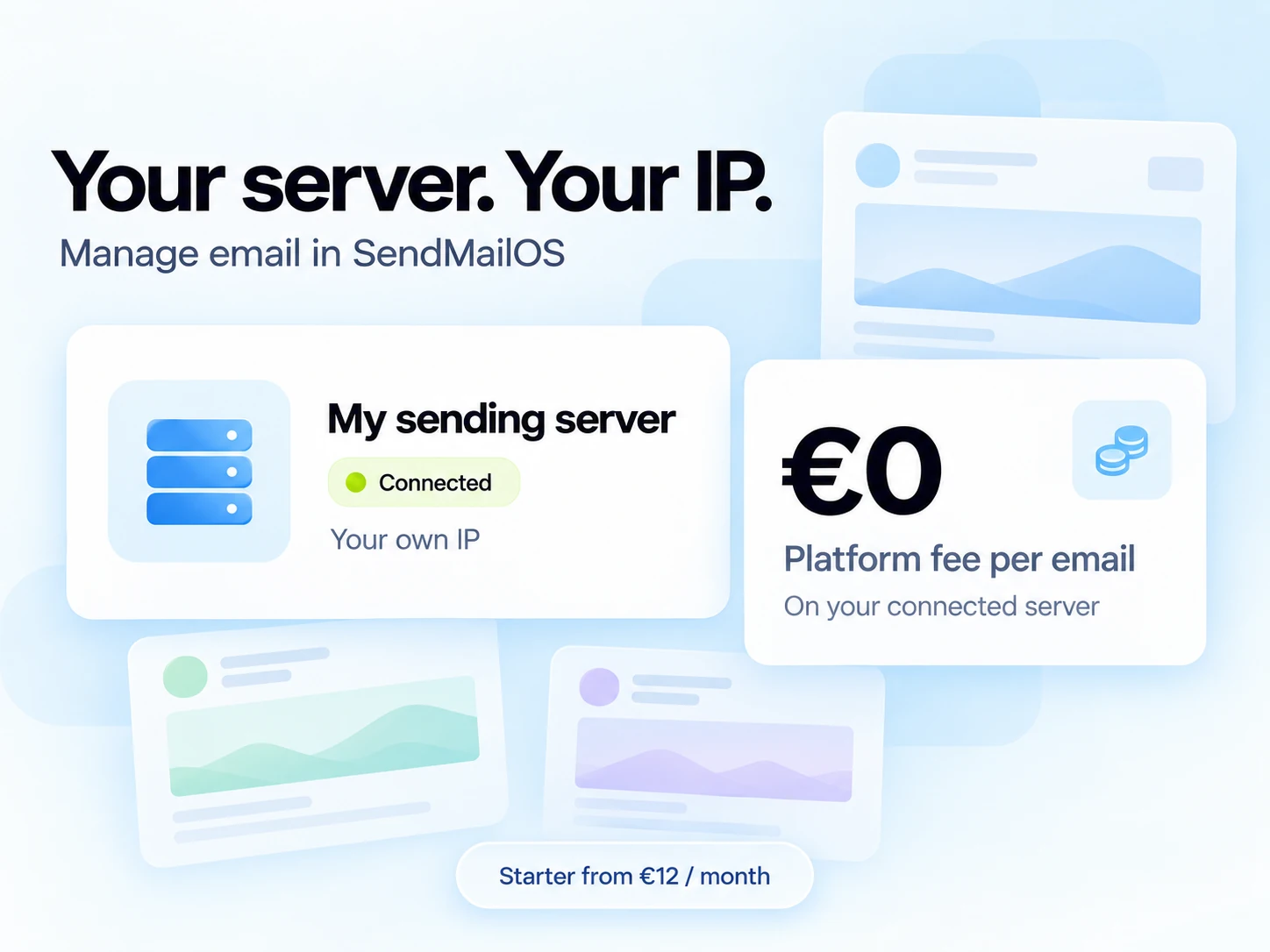
Connect your own VPS to SendMailOS. Create campaigns and manage your email in our platform, then send through your own server and IP.
Your plan and VPS costs still apply. Daily warm-up, safety checks, fair-use, and your server’s capacity apply to sending.
Setup checklist
Create an API key, verify your sending domain, and make a request to POST /v1/emails. Use the email ID and delivery events to follow what happens next.
Test-mode keys let you simulate development sends without delivering to real mailboxes. Use an idempotency key when retrying the same send request.
Send your first email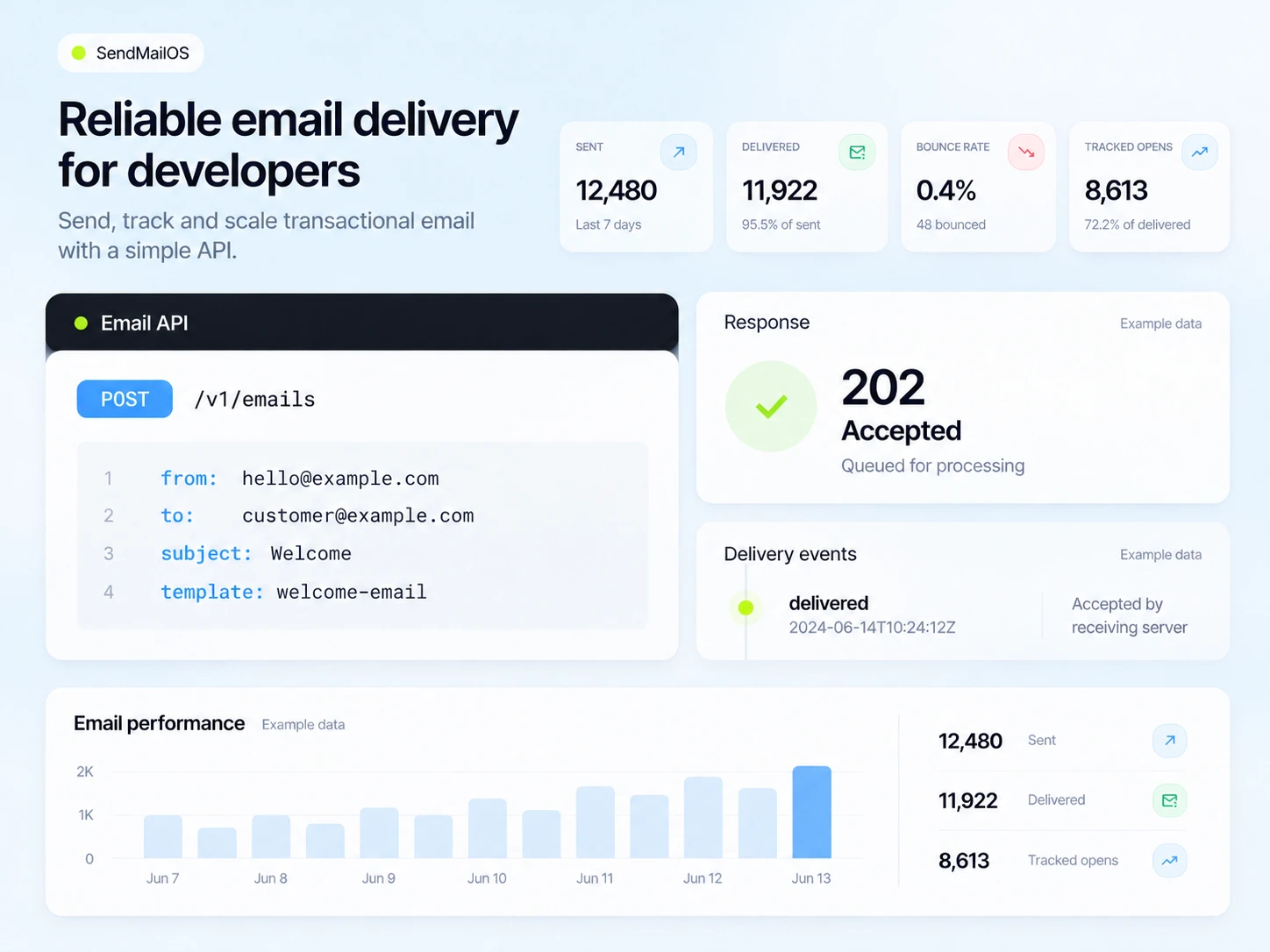
Email API example
Use plain HTTP from your backend. Start with one message, then explore templates, subscribers, broadcasts, workflows, and conversations as your product grows.
A 202 Accepted response means the message was accepted for processing. Check its status or subscribe to a delivery webhook for the result.
curl https://api.sendmailos.com/v1/emails \
  -H "Authorization: Bearer sk_live_your_key" \
  -H "Content-Type: application/json" \
  -H "Idempotency-Key: your-unique-request-id" \
  -d '{
    "from": "hello@yourdomain.com",
    "to": "customer@example.com",
    "subject": "A good place to start",
    "html": "<h1>Welcome aboard.</h1>"
  }'
Replace the example key and addresses with your own verified sending details.
Connect an application or WordPress mail plugin with a sending-only SMTP password. Use STARTTLS on port 2525 or implicit TLS on port 2465.
Read the SMTP guideReceive signed delivery, open, click, bounce, and incoming-message events. Verify signatures and make your receiver safe to retry.
Connect a webhookCreate a thread, send a message, and receive the reply event. Tie a conversation to the booking or order it belongs to.
Review reply-capture setupTemplate Studio MCP
Connect a compatible remote MCP client to Template Studio. Ask it to create a responsive email or update an existing template in an organization you have approved.
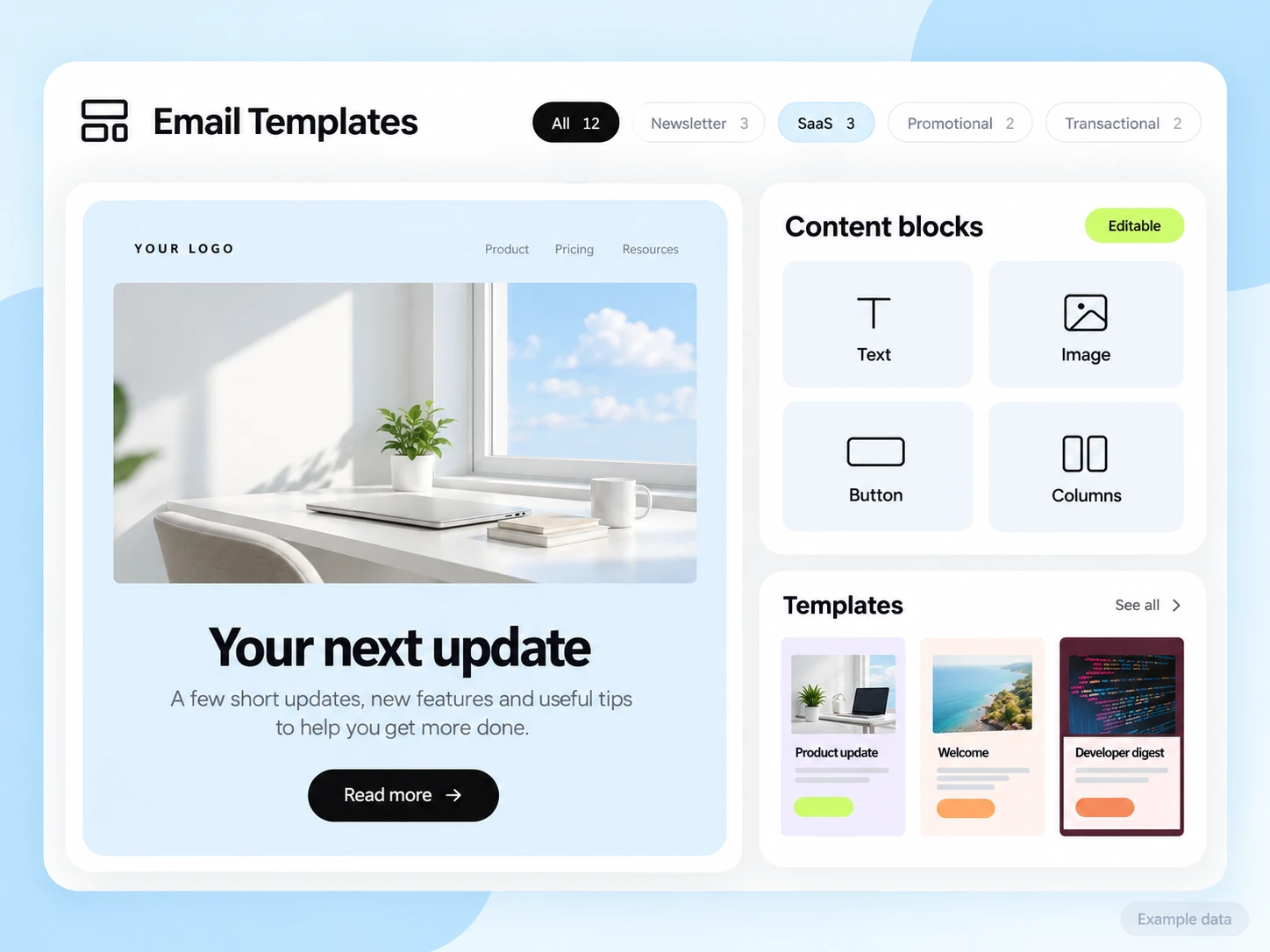
The assistant saves structured rows, columns, and blocks. Your team can keep editing the design in SendMailOS after the conversation ends.
https://dash.sendmailos.com/api/mcp
The remote MCP connection uses OAuth with PKCE. Sign in to SendMailOS, choose the organizations, and approve the template permissions shown.
Name an approved organization in your prompt. Tools resolve its ID and keep the template in that organization.
Refine generated content in the visual editor. Template MCP manages editable templates and offers additional read tools when their permissions are approved.
Questions and answers
No. The HTTP API works with standard requests from your backend. The documentation includes request shapes and examples to help you integrate with your stack.
The platform supports both. Use email sends for application messages, and the broadcast and subscriber resources for audience-oriented sending.
No. Template Studio’s remote MCP connection uses OAuth. Your client opens SendMailOS so you can sign in and approve access without sharing an API key or password in chat.
Template MCP creates, edits, renders, and publishes templates in approved organizations. With additional permissions, it can also read subscribers, broadcasts, and email analytics. It does not send campaigns or change workflows.
Start free
Start with the quickstart. Keep building with the API.