Use the IP you control
Email leaves through your connected server and its IP. Your infrastructure becomes a sending route inside SendMailOS.
Bring your own sending server
Install the SendMailOS agent on your VPS. Send without a monthly platform email quota while managing campaigns, contacts, templates, and reports in SendMailOS.
Starter subscription and your VPS costs apply. Warm-up, fair use, server capacity, subscriber limits, and other plan limits apply.
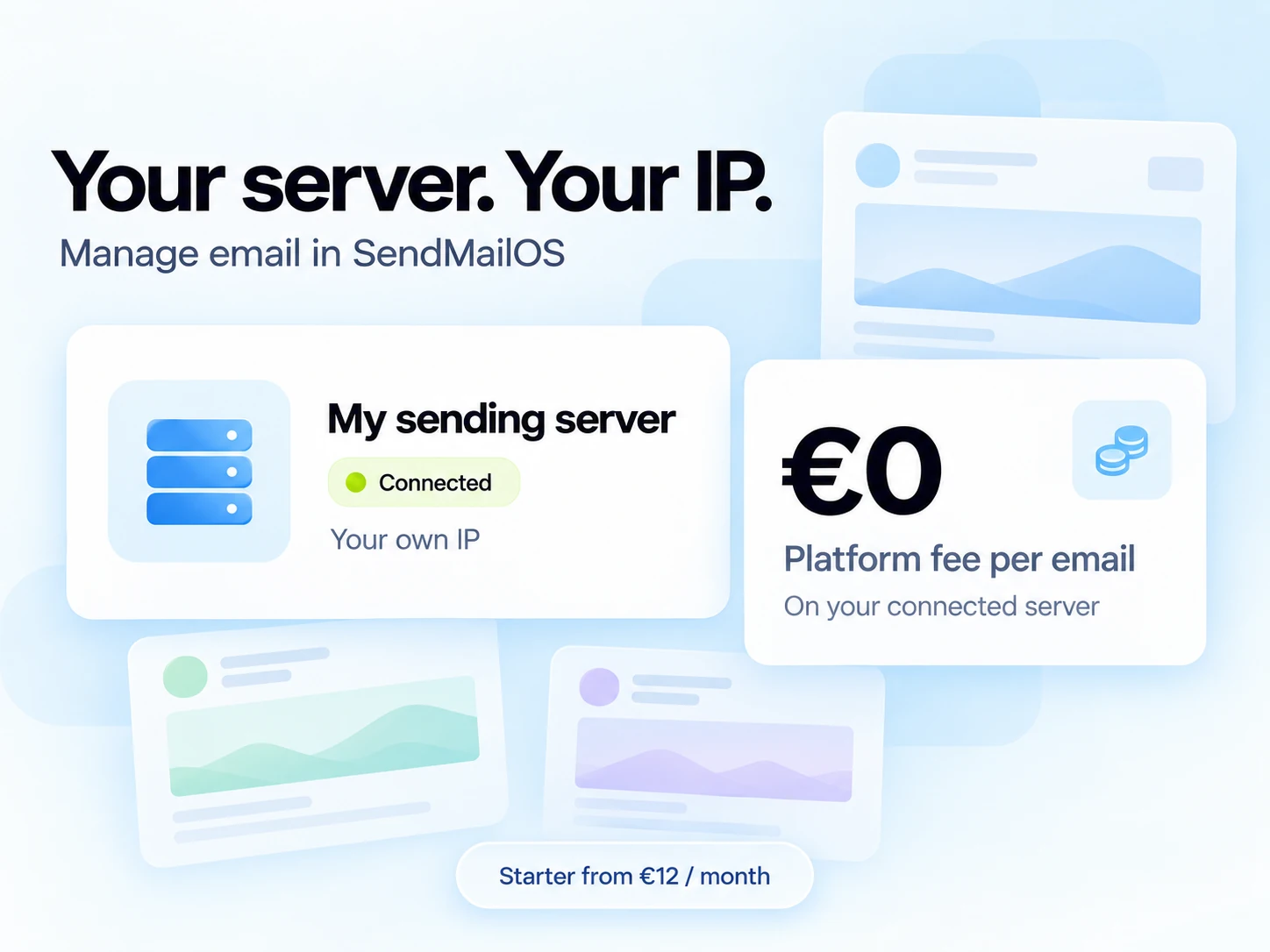
Email leaves through your connected server and its IP. Your infrastructure becomes a sending route inside SendMailOS.
Messages sent through your own server do not consume your hosted email allowance.
Starter, Growth, and Pro include connected-server sending with no monthly platform email quota. Your VPS, subscriber limits, other plan allowances, and sending safeguards still apply.
Find your sending server
Direct delivery from your own IP needs outbound port 25. Check the provider’s policy before you order, then enter your complete server quote in the sending-cost calculator.
Ports 25 and 465 are blocked by default. After one month and payment of your first invoice, you can request unblocking. Approval is reviewed case by case.
Confirm approval for your account and include any Primary IPv4 charge in your estimate.
The European VPS FAQ says port 25 is normally open outside Local Zones; the US VPS FAQ says it is blocked by default and may require a support request. Local Zones cannot contact SMTP servers and cannot have that restriction removed.
Confirm the exact account, VPS product and region with OVHcloud before ordering. Do not assume a port policy applies across regions.
SMTP ports are blocked by default. Complete identity verification, then enable SMTP in the Instance security group. A Public Gateway has separate SMTP settings if your setup uses one.
Include the IP, storage, and any other required resources in the full quote.
Port 25 is blocked on new Compute Instances. You can request unblocking through support with your use case, sending volume, and anti-spam controls. Approval is not guaranteed.
Confirm port 25 access before relying on this provider for your sending route.
SMTP ports 25, 465, and 587 are blocked on Droplets, including traffic through Reserved IPs. We would not choose a Droplet for this direct own-server sending route.
Using an external SMTP relay on another port is a different delivery route, with that provider’s pricing and limits.
Provider policies checked on 24 October 2026 using the official documentation linked above. These are infrastructure options, not SendMailOS partners or tested provider integrations. Availability, policies, and prices can change. Use the provider’s current quote; the calculator does not retrieve live VPS prices.
Estimate your total monthly costChoose Starter or above, then open Servers in your dashboard and add the VPS you want to connect.
Run the installation command shown in your dashboard on your VPS. Use the one-time pairing token; it expires after 30 minutes.
Confirm the server is connected, verify your sending domain, and select the sending route. Begin within the daily warm-up limits.
The Servers dashboard shows the agent connection, observed IP, last-seen time, and agent version. Check the connection before relying on the server for delivery.
From €12/month on Starter. Own-server sends do not use hosted credits. Your VPS bill, subscriber limits, workflow allowances, warm-up, safety checks, and fair-use rules still apply.
Start free, or connect your own sending server from €12/month. Every paid plan also includes a monthly hosted sending allowance.
Build and test your first campaigns.
Hosted delivery uses your monthly email allowance.
Start freeFor one brand ready to send regularly.
Unlimited own-server emails
VPS costs and sending limits apply.
For teams managing more brands and workflows.
€0 platform fee per email sent through your own server.
Choose GrowthFor larger audiences and more sending infrastructure.
€0 platform fee per email sent through your own server.
Choose ProPrices shown per month in EUR. A hosted email uses one send per recipient. Own-server delivery does not use hosted credits. Your VPS costs and other plan limits still apply.
See every plan limitYes. Starter from €12/month includes one connected sending server. Emails sent through that server have no monthly platform email quota and do not use hosted credits. Your VPS is billed separately. Warm-up, fair use, server capacity, subscriber limits, and other plan limits apply.
Check the provider’s outbound port 25 policy before ordering. OVHcloud guidance differs by region and Local Zones do not support SMTP. Hetzner needs SMTP approval, Scaleway needs identity verification and SMTP settings, and Vultr needs support approval. DigitalOcean Droplets block the SMTP ports needed for direct sending. Confirm your exact product, account and location.
No. You enter your own total monthly server estimate in EUR. Include any IP, storage, backups, taxes, and extras that apply. The displayed €8 is an editable example, not a provider quote.
There is no SendMailOS per-email charge for messages sent through your connected server. The feature requires Starter (€12/month), Growth (€39/month), or Pro (€99/month). You also pay your VPS provider. Warm-up, safety checks, fair-use, server capacity, and the other plan allowances still apply.
No. Hosted sends and own-server sends use separate delivery routes. A message actually sent through your connected server does not consume hosted email credits.
Starter includes one connected sending server, Growth includes three, and Pro includes ten. Free does not include server connections.
Yes. You provide the server and IP and install the SendMailOS agent. You are responsible for the VPS, network access, and sending setup. The server needs outbound port 25 access for delivery to recipient mail servers. You continue to manage your email work in SendMailOS.
Own-server sending has no platform per-email fee, but it is not unrestricted sending. Daily warm-up limits, safety checks, fair-use rules, and your server’s throughput still apply.
SMTP delivery follows the sending route configured for the selected domain, including a connected server, SES, or a hybrid route. Use a verified From address and check your domain’s routing before sending.
Messages wait for your connected server when it is offline. This route can accept SMTP mail even when you have no hosted credits, and cannot fall back to hosted delivery.
A hybrid route needs a hosted credit because it may use SES when your server is unavailable. Messages actually sent through your server have their reserved hosted credit returned.
Check the agent heartbeat, IP identity, domain authentication and current warm-up allowance. Look at when each check ran and whether it came from the agent or the control plane. A public DNS result cannot establish outbound port 25 access from your VPS.
Confirm the chosen domain route and follow the result in your dashboard. Server only waits for your server; hybrid can use hosted fallback. Recipient-server acceptance does not establish inbox placement.
Start with one connected server on Starter at €12/month.