Host
smtp.sendmailos.com
SMTP for your website and app
Connect your app or WordPress mail plugin to send form notifications, receipts, and other application emails through your configured sending route.
smtp.sendmailos.com
sendmailos
Port 2525
Port 2465
Create a sending-only SMTP password in your dashboard under API Keys → SMTP. Use a verified From address on the selected domain and turn on TLS encryption and authentication.
Port 25 is not used for submission. SMTP attachments are not supported yet. Use the current dashboard settings when configuring your client.
Add the sending domain and complete its verification. Choose an allowed From address on that domain.
Open API Keys → SMTP and create a sending-only password. Limit it to a domain when you need a narrower credential.
Enter the host, username, password, port, and matching TLS option. Your client must support custom ports 2525 or 2465. Send a test message and check its delivery status.
One connection. Your selected delivery route.
SMTP follows the route configured for your selected domain: SES, a connected server, or hybrid. Check the route before you send.
A message sent through your connected VPS has no platform per-email charge and uses no hosted credit. Hosted delivery uses the allowance in your plan. Starter includes one server connection for €12/month.
See own-server sending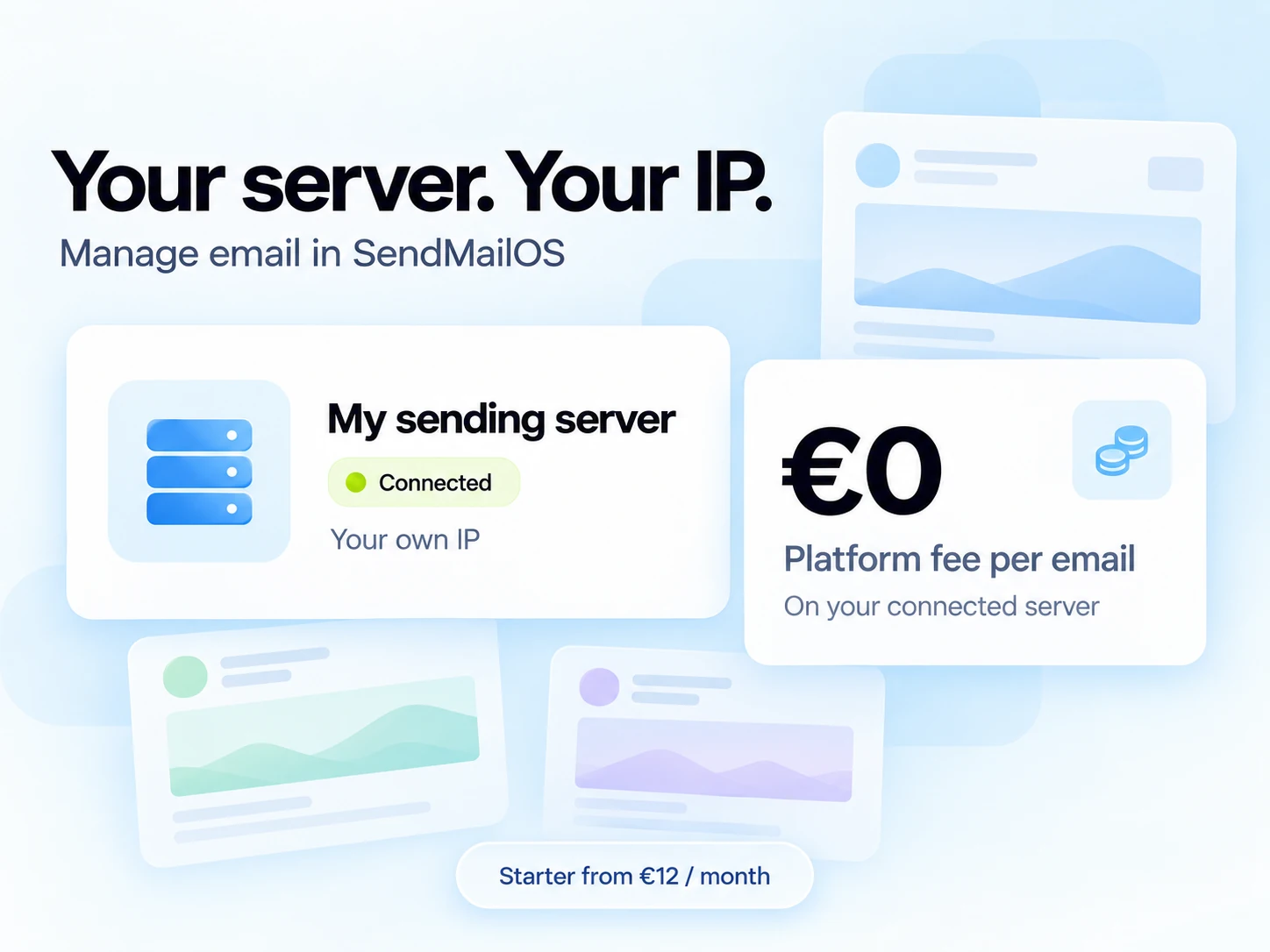
A practical option when your website or application already accepts custom SMTP settings. Use it for supported messages without SMTP attachments.
Choose the API for HTTP requests, message IDs, templates, idempotency keys, and delivery event handling. See API tools
Start free, or connect your own sending server from €12/month. Every paid plan also includes a monthly hosted sending allowance.
Build and test your first campaigns.
Hosted delivery uses your monthly email allowance.
Start freeFor one brand ready to send regularly.
€0 platform fee per email sent through your own server.
Choose StarterFor teams managing more brands and workflows.
€0 platform fee per email sent through your own server.
Choose GrowthFor larger audiences and more sending infrastructure.
€0 platform fee per email sent through your own server.
Choose ProPrices shown per month in EUR. A hosted email uses one send per recipient. Own-server delivery does not use hosted credits. Your VPS costs and other plan limits still apply.
See every plan limitUse smtp.sendmailos.com. Select STARTTLS on port 2525 or implicit SSL/TLS on port 2465. Enable authentication and use the SMTP credentials created in your workspace. Port 25 is not a submission port.
Yes. Use a WordPress mail plugin that lets you configure a custom SMTP host, port, encryption, username, and password. Use the ports and credentials shown above, then send a test message.
SMTP attachments are not supported yet. Check the current product documentation before choosing SMTP for a workflow that needs attachments.
Delivery follows the selected domain’s configured route: SES, a connected server, or hybrid. Use a verified From address on that domain. Own-server sends do not consume hosted credits; hosted delivery uses your plan’s allowance.
No. Create a sending-only SMTP password in API Keys → SMTP in your dashboard. You can limit the credential to a domain. Keep it on your application server or in your mail plugin’s protected settings.
No. Acceptance is not an inbox guarantee. Check email status and delivery events to understand the delivery result.
Messages wait for your connected server when it is offline. This route can accept SMTP mail even when you have no hosted credits, and cannot fall back to hosted delivery.
A hybrid route needs a hosted credit because it may use SES when your server is unavailable. Messages actually sent through your server have their reserved hosted credit returned.
Create your account, verify a sending domain, and test one message.