A reusable campaign template
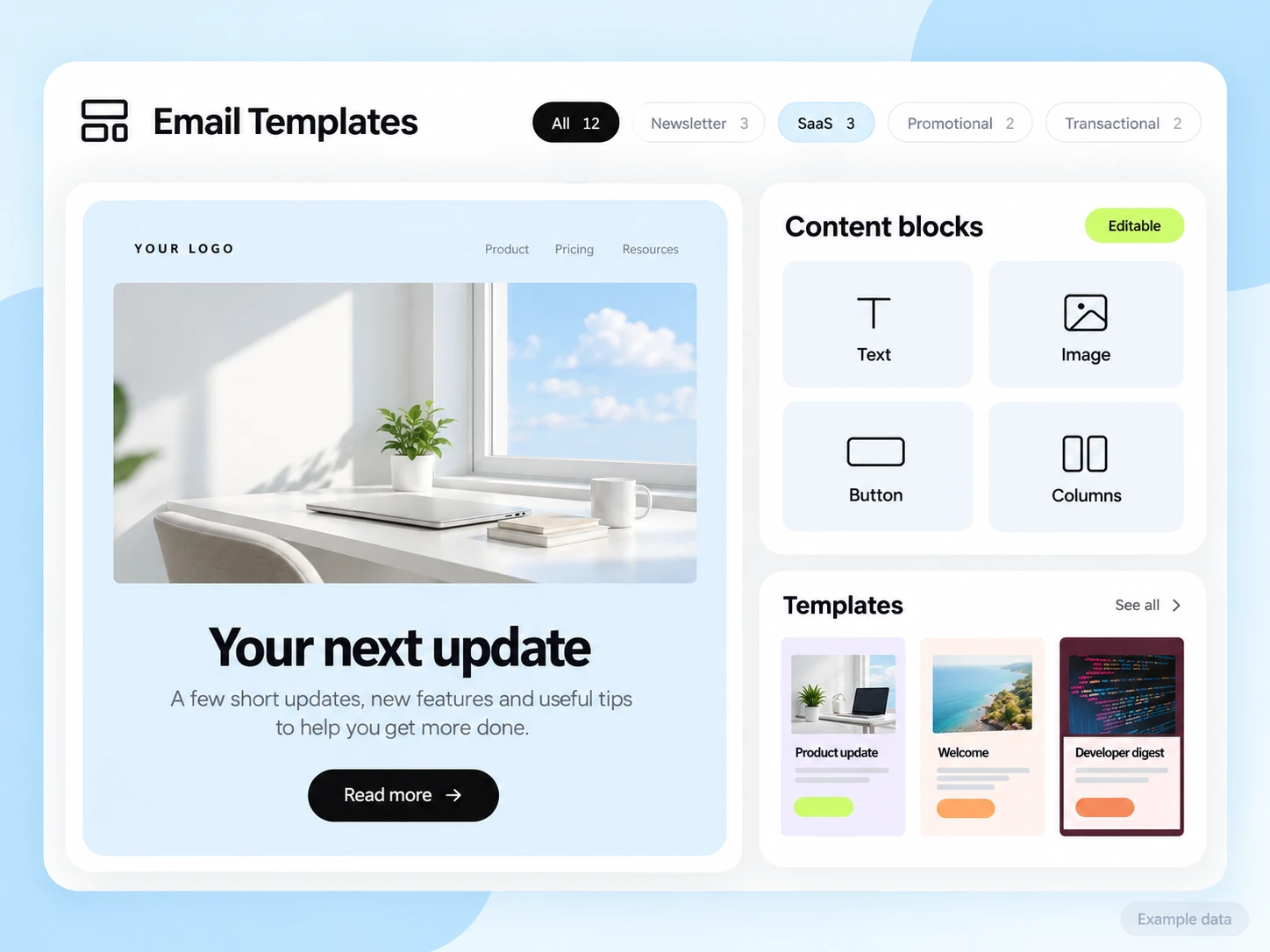
Create blocks the client can edit without rebuilding the whole email. Keep the sender and unsubscribe details connected to the correct account.
Email for marketing agencies
Plan client campaigns, editable templates, and reporting in an organized workspace. Build an agency email process with clear client access and approval steps.
Agency email work needs a repeatable process: a brief, an approved template, the right audience, a test, and a report that explains the result. Keep each client’s content, subscriber information, and access boundaries clear.
Work within the correct client organization and sender domain. Resolve the client, campaign, list, timezone, and approval state before scheduling or sending. Do not reuse one client’s audience or results for another.
Create blocks the client can edit without rebuilding the whole email. Keep the sender and unsubscribe details connected to the correct account.
Use the client’s own signup promise, approved content, and audience rules. Test the complete sequence before enabling it.
Explain sent, delivered, recorded clicks, and the business result using clear definitions. Mark missing tracking as missing rather than substituting a result.
Illustrative scenario
An agency wants to move a client newsletter from brief to approval to send without mixing audiences or versions.
Record the client organization, sender, audience, campaign purpose, and sending timezone. Check who can approve the final email.
Create the content in the visual editor or with Template Studio MCP. Keep individual blocks editable for client changes.
Check mobile rendering, links, audience exclusions, and the scheduled time. Keep a final approved version before sending.
Use campaign data from the same client and reporting window. Connect to verified orders, enquiries, or bookings where that evidence is available.
Example email
Lead with the useful change, explain who it helps, and link to the client’s approved page. Keep the message focused on the brief.
Example button: Read the update
Adapt the wording, links, and timing to your actual offer and audience. This example does not describe a published customer campaign.
See the email editorReview organization membership, permissions, domain allowances, and plan limits for each client. The Free plan includes one verified domain; do not assume one free account covers every client’s sending needs. Template Studio MCP requires approved organization access.
Start with the setup guides and the API and SMTP documentation. Verify the domain, audience, template, and a complete test journey before sending to real contacts. Feature availability and limits depend on the plan.
Compare the campaign’s intended business action with the audience and exposure window. Distinguish delivered messages, unique recorded clickers, total clicks, and verified conversions.
Choose an attribution window before sending and keep its definition consistent in your report. Keep unavailable tracking marked as unavailable. The product illustrations on this page use example data and are not a promised or measured result for this industry.
Customer conversations
Use a monitored reply path and configure supported reply capture. Test that a reply stays connected with the right outgoing message, then agree who will answer it.
Keep the customer’s current state in your own source system when it determines what should happen next. A reply and a completed business action are different signals.
Explore customer replies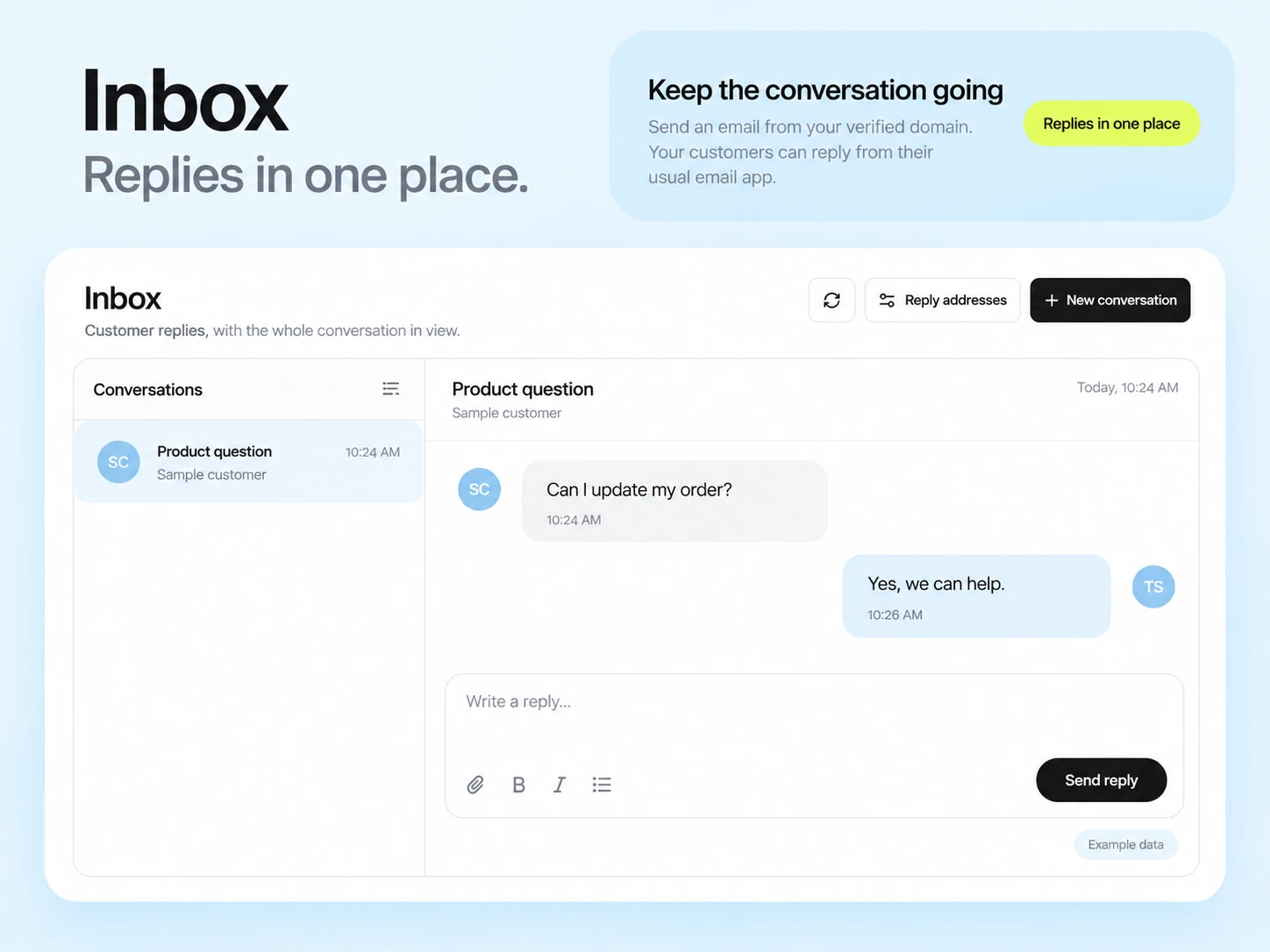
Template Studio MCP can create and update editable templates in organizations you approve. Confirm the client organization and permitted scope before saving content.
Only when definitions and tracking coverage are comparable. Different audiences, attribution windows, and tracking incidents can make a simple ranking misleading.
Example campaign plan
Confirm the intended client organization, sender, audience and exclusions before drafting. Keep each client’s data in its appropriate workspace. Collect the client’s content, links and approval through your existing process; an approval dashboard is not assumed.
Example subject: “This month at your business.” Build a digest using the client’s real material and send the preview only to approved review mailboxes. Record the approved subject, audience and scheduled-send decision before launch.
Check organization and From identity again before sending. Report the defined campaign cohort and distinguish tracked engagement from confirmed leads or sales in the client’s own records.
3,000 email credits each month and up to 2,000 subscribed contacts on Free. Other plan limits apply.