A resource welcome
Deliver the guide or resource the reader requested. Explain what future emails will contain and how to change that preference.
Email for creators and newsletters
Welcome newsletter readers, deliver useful resources, and share your next release. Build a creator email routine around reader interests and real engagement.
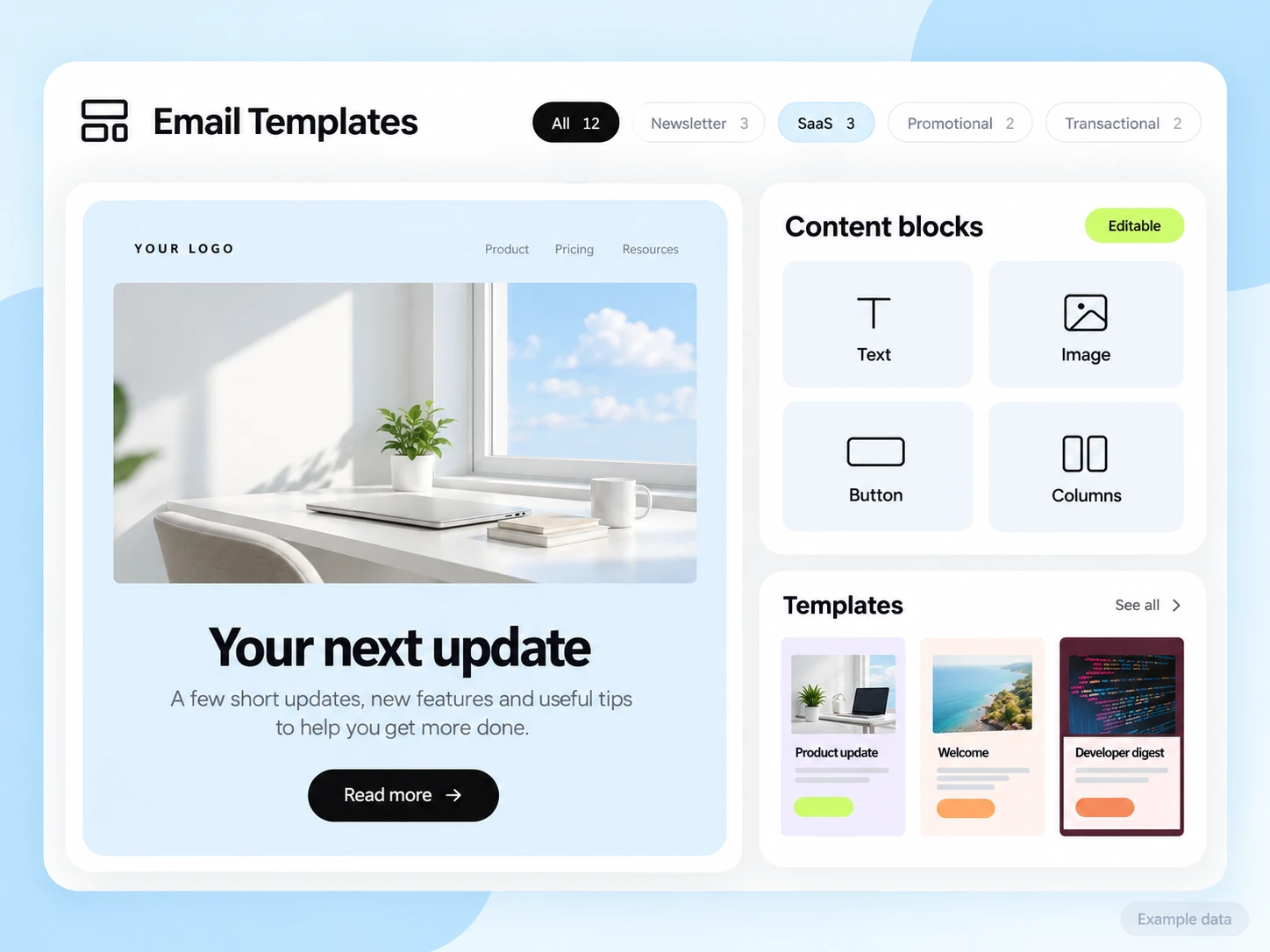
Readers subscribe for a reason: a topic, a resource, or your next piece of work. Make the first email fulfil that promise, then keep a rhythm that matches what they expected.
Organize subscribers by the topic or resource they chose and their stated preferences. Keep paid subscription or purchase status accurate in the service that manages those transactions.
Deliver the guide or resource the reader requested. Explain what future emails will contain and how to change that preference.
Lead with one useful idea and link to the full piece or resource. Keep the format easy to read on a phone.
Explain the new work, who it is for, and the purchase or access route. Check the destination and availability before sending.
Illustrative scenario
A creator wants readers who request a writing guide to receive it first, followed by a short introduction to the newsletter.
Keep the resource or topic identifier and the choice to receive further newsletter updates.
Send the requested guide link and a clear explanation of what it contains. Test access without assuming the reader is already signed in.
Leave time to use the resource. Check that the reader is still eligible for optional newsletter messages.
Share one related piece or ask which topic the reader wants next. Use replies and stated preferences to improve future editions.
Example email
Start with the short exercise on the first page. If you try it, reply and tell me which part you want a follow-up on.
Example button: Open the guide
Adapt the wording, links, and timing to your actual offer and audience. This example does not describe a published customer campaign.
See the email editorWebsite forms, file access, purchases, and subscription billing may live in separate tools. Confirm or build the connections you need. SendMailOS is not assumed to host paid content, process payments, or replace your membership service.
Start with the setup guides and the API and SMTP documentation. Verify the domain, audience, template, and a complete test journey before sending to real contacts. Feature availability and limits depend on the plan.
Review resource access, useful reader replies, and completed purchases where applicable. Count paid subscriptions in the billing service rather than treating a newsletter click as revenue.
Choose an attribution window before sending and keep its definition consistent in your report. Keep unavailable tracking marked as unavailable. The product illustrations on this page use example data and are not a promised or measured result for this industry.
Customer conversations
Use a monitored reply path and configure supported reply capture. Test that a reply stays connected with the right outgoing message, then agree who will answer it.
Keep the customer’s current state in your own source system when it determines what should happen next. A reply and a completed business action are different signals.
Explore customer replies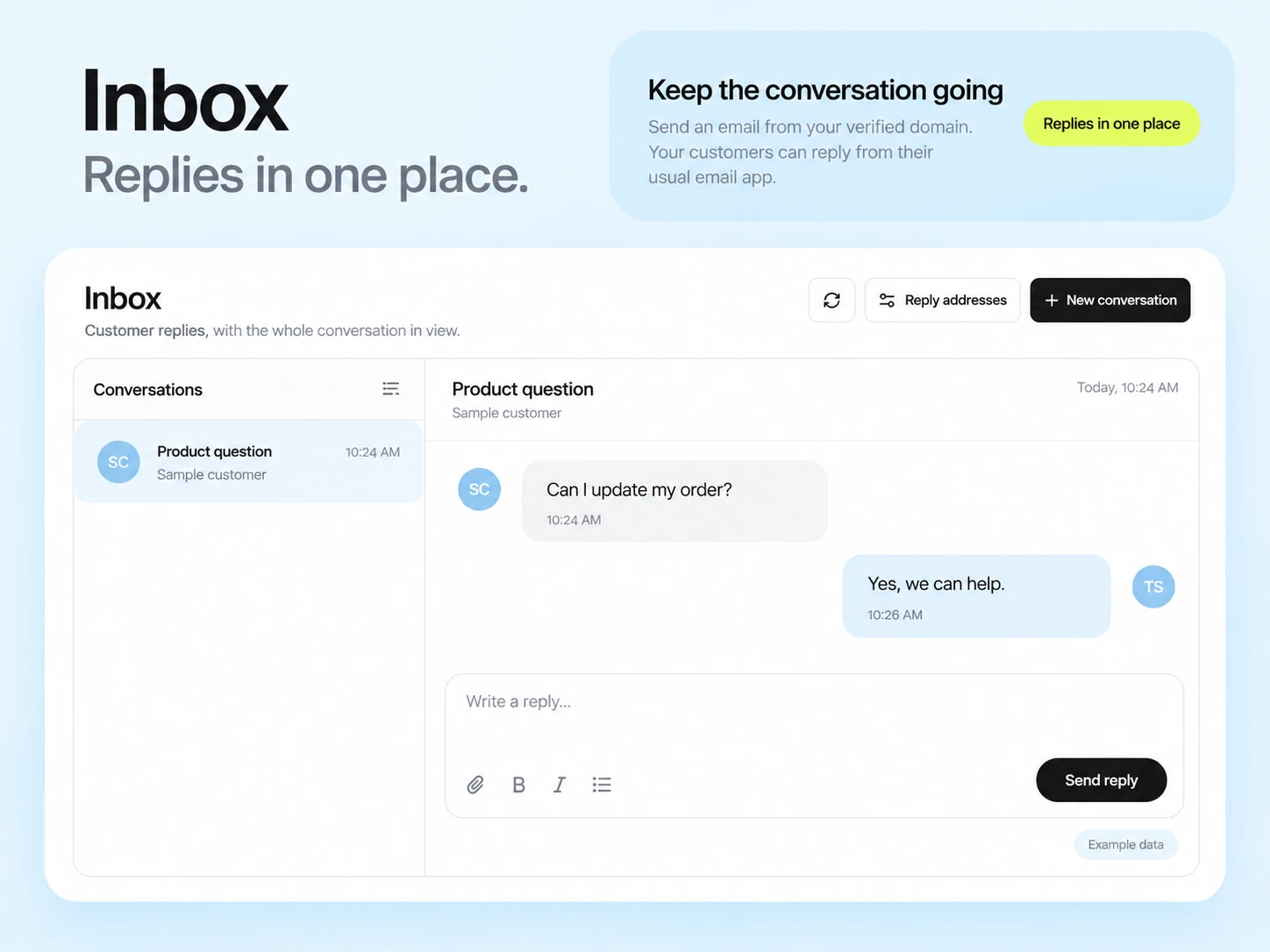
You can create campaigns with editable templates and send them to eligible subscribers. Choose a plan that fits your audience, sending frequency, and workflow needs.
No paid-subscription billing capability is assumed in this example. Use the service that manages your payments and connect verified subscription state only if your email process needs it.
Example campaign plan
Use the intended newsletter subscribers and current exclusions. Tag topic interests only when they reflect an actual preference or known source. Keep the issue’s working links and publication dates in a simple editorial checklist.
Example subject: “Three ideas worth your time this week.” Introduce the theme, write three short summaries and choose one primary action. The digest brief provides an editable starting structure rather than an installed account template.
Test every destination and read the issue on a phone. Compare tracked unique clicks for the same issue window, account for automated activity where possible, and review actual replies for qualitative feedback.
3,000 email credits each month and up to 2,000 subscribed contacts on Free. Other plan limits apply.