A course introduction
Explain the syllabus, format, dates, prerequisites, and application link. Check that the information matches the current course page.
Email for education and courses
Help prospective students understand courses and guide enrolled learners with useful email. Plan course announcements, enquiry replies, and onboarding messages.
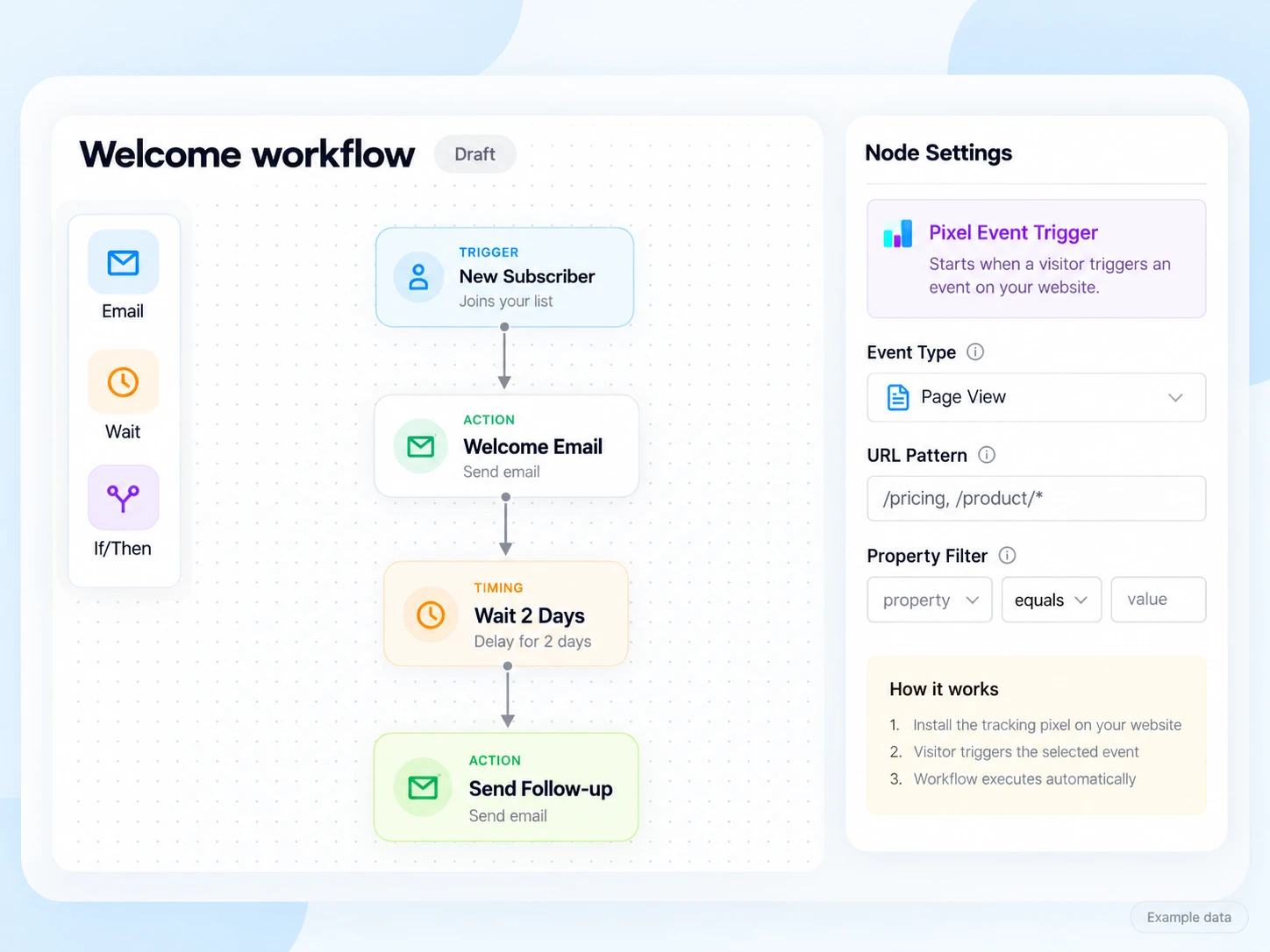
Prospective learners want to understand the course, schedule, requirements, and next step. Enrolled students need practical information about starting. Keep those two journeys clear so important course instructions are easy to find.
Organize contacts by chosen course, enquiry stage, and confirmed enrolment. Use the information needed for email and retain the source and communication preference. Keep sensitive student records in the appropriate system.
Explain the syllabus, format, dates, prerequisites, and application link. Check that the information matches the current course page.
Share a useful guide or FAQ that answers the question the prospective learner asked. Make it easy to reply.
Send confirmed learners the start date, preparation steps, and the right support contact.
Illustrative scenario
A course provider wants people who requested information to receive an introduction, while enrolled learners receive preparation instructions.
Store the course identifier, enquiry source, and communication preference. Keep a link to the enquiry in your own system.
Show the real schedule, format, and application route. Use one clear action and invite questions.
Have your enrolment system update the contact or report a connected event. Test changes and cancellations before using the state in a journey.
Provide preparation details to enrolled learners. Follow up with eligible prospects only while the course information and deadline remain current.
Example email
Here is the schedule, what to prepare, and how to contact us with a question. Check the course page for the latest details.
Example button: Read the course guide
Adapt the wording, links, and timing to your actual offer and audience. This example does not describe a published customer campaign.
See the email editor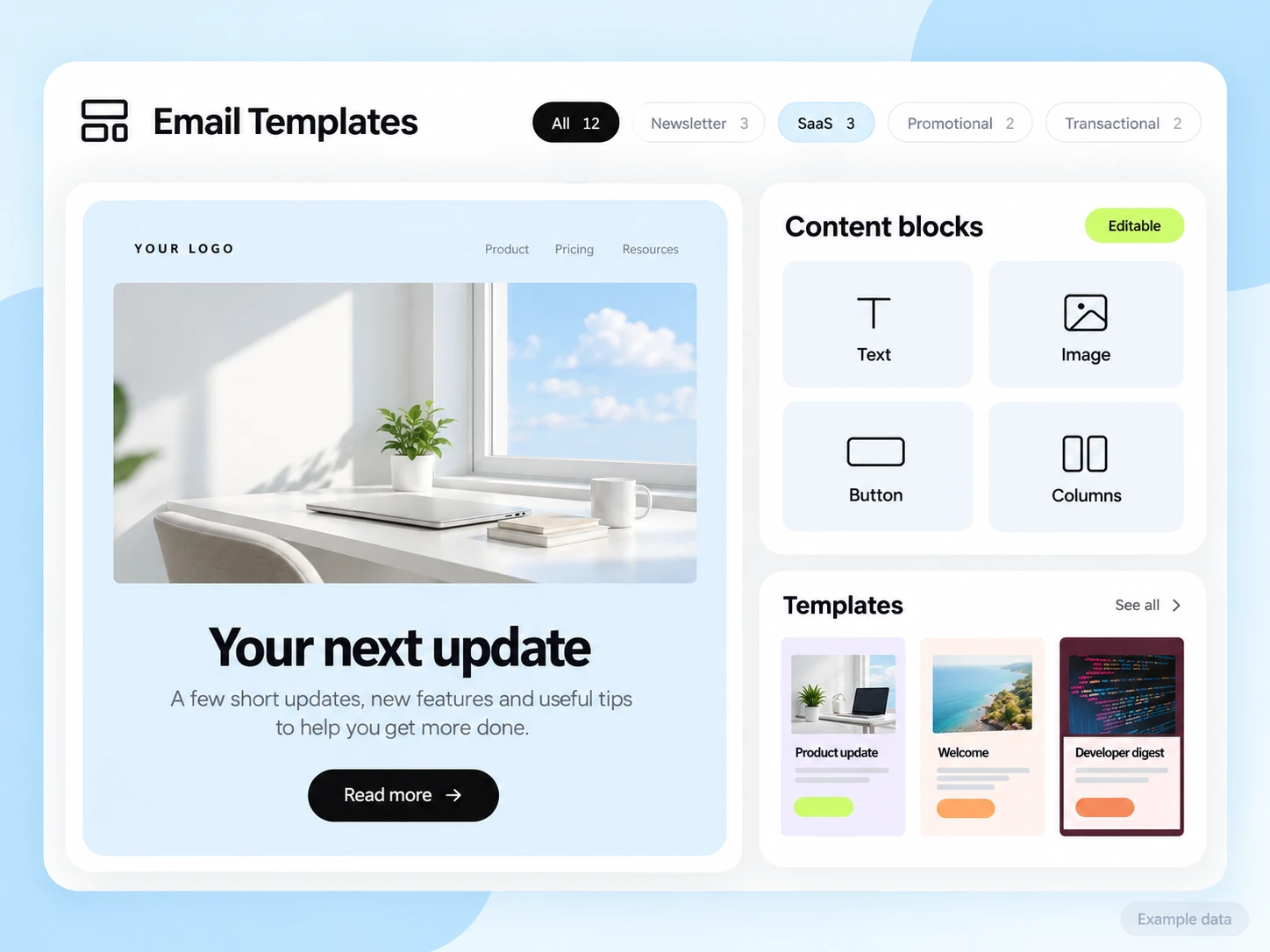
Your course or student system supplies enrolment, access links, schedule changes, and cancellations. Connect only the data needed for the email journey. Do not assume a native learning-platform connector or automatic student-record synchronization.
Start with the setup guides and the API and SMTP documentation. Verify the domain, audience, template, and a complete test journey before sending to real contacts. Feature availability and limits depend on the plan.
Count completed applications and confirmed enrolments in the enrolment system. Track enquiries separately so a request for information is not reported as an enrolled learner.
Choose an attribution window before sending and keep its definition consistent in your report. Keep unavailable tracking marked as unavailable. The product illustrations on this page use example data and are not a promised or measured result for this industry.
Customer conversations
Use a monitored reply path and configure supported reply capture. Test that a reply stays connected with the right outgoing message, then agree who will answer it.
Keep the customer’s current state in your own source system when it determines what should happen next. A reply and a completed business action are different signals.
Explore customer replies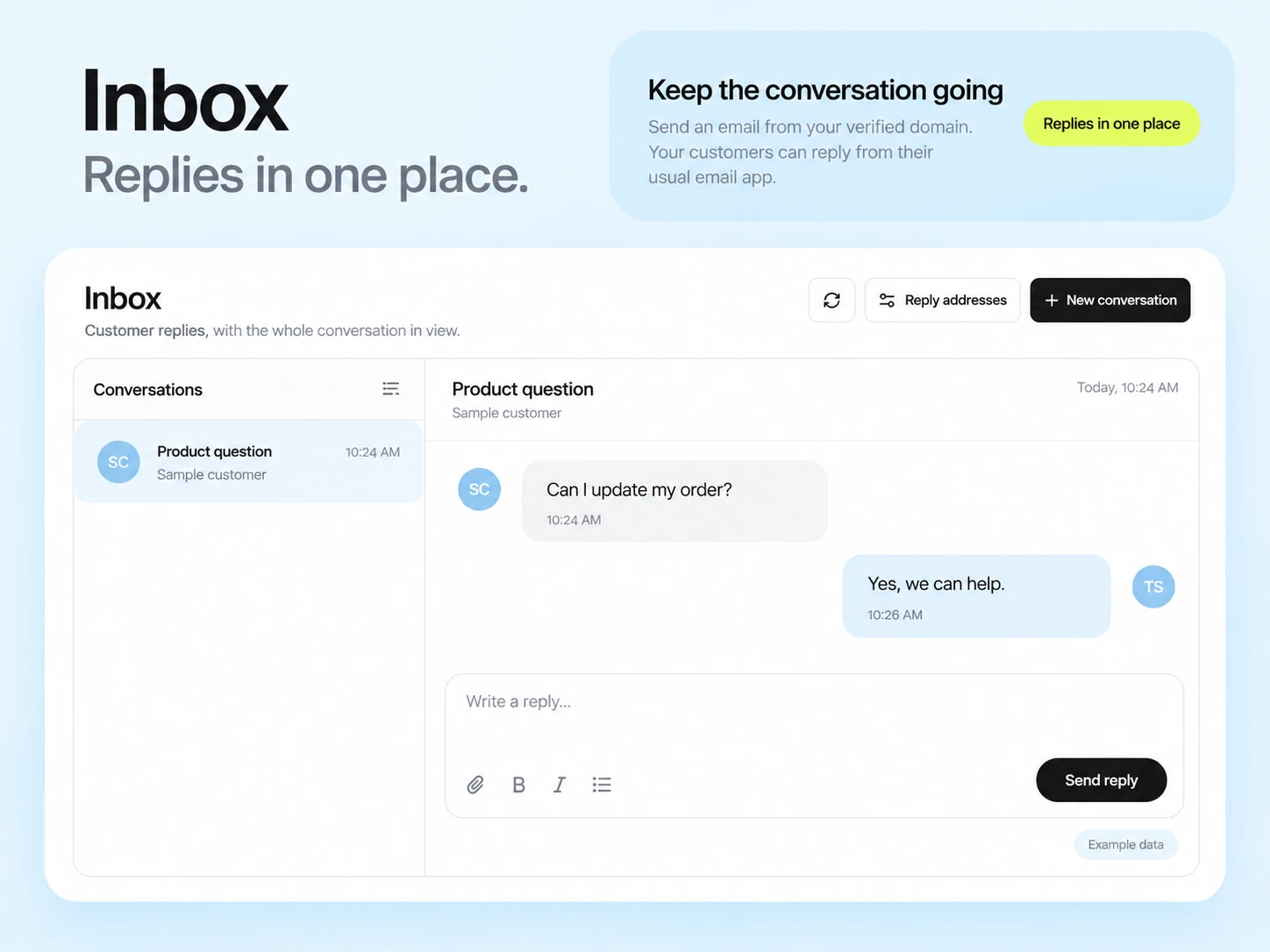
Use maintained course identifiers, tags, or eligible segments. Check the final audience so learners do not receive the wrong schedule or preparation instructions.
Keep essential enrolled-learner messages distinct from optional promotions. Test how changed enrolments and communication preferences affect each path.
Example campaign plan
Use current course-enrollment records to identify the intended learners and any withdrawn enrollments. Apply a course tag deliberately. Learning progress and course access come from your learning platform or a configured backend integration.
Example subject: “Your first lesson is ready.” Explain where to sign in, which activity to start with and where to ask for help. Adapt the welcome brief using real course and instructor details.
Test the lesson link using an appropriate learner account and confirm the support path. Measure actual first-lesson completion in the learning platform; an email open does not establish course progress.
3,000 email credits each month and up to 2,000 subscribed contacts on Free. Other plan limits apply.