A new-member welcome
Explain the first visit, access details, class booking, and the best way to ask a practical question.
Email for fitness and gyms
Welcome new members, share class updates, and follow up on trial enquiries. Plan fitness email around membership state, schedules, and relevant customer questions.
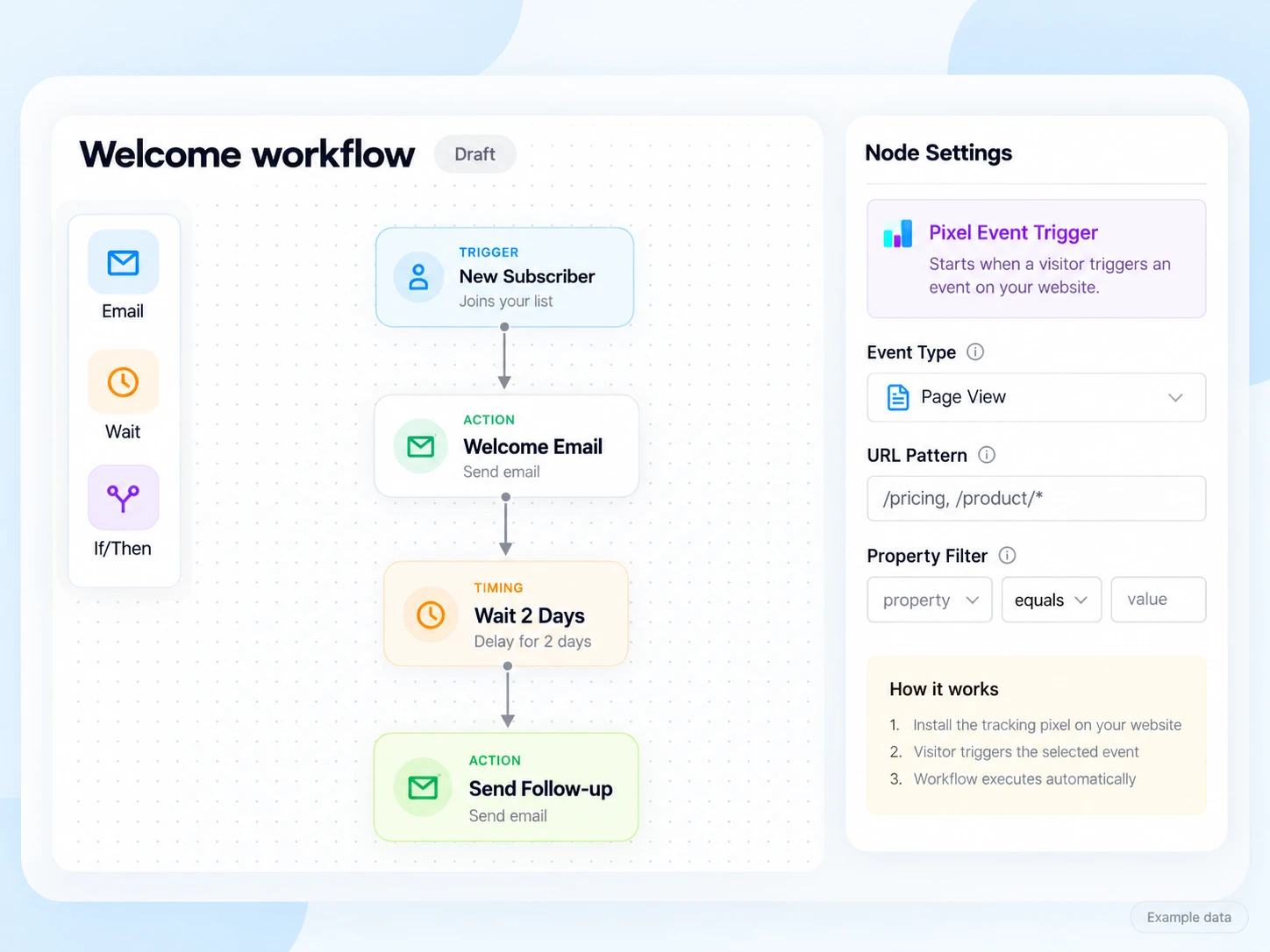
New members need to know where to start, while regular members need current class information. Keep the email practical: the schedule, what to bring, how to book, and who can answer a question.
Use membership stage, chosen class interests, and trial-enquiry state. Avoid putting unnecessary health or medical details into marketing contact fields. Keep bookings and membership records with the system that manages them.
Explain the first visit, access details, class booking, and the best way to ask a practical question.
Share a verified schedule or availability change. Link to the live booking page rather than relying on a static class list that may change.
Answer a common question about the trial and provide one clear next action. Stop the enquiry sequence after a membership is confirmed.
Illustrative scenario
A studio wants people who requested a trial to receive first-visit information, while new members move to a different onboarding message.
Maintain the requested class or location and the contact’s communication preference.
Share where to go, what to bring, and how to check current availability. Keep the link tied to the correct location or class.
Have the booking or membership system update whether the trial was booked, attended, or converted to a membership.
Send practical onboarding to confirmed members. Follow up with eligible trial prospects only while the message still matches their state.
Example email
Here is where to go, what to bring, and how to check the class schedule. Reply if you have a practical question before you arrive.
Example button: View first-visit information
Adapt the wording, links, and timing to your actual offer and audience. This example does not describe a published customer campaign.
See the email editor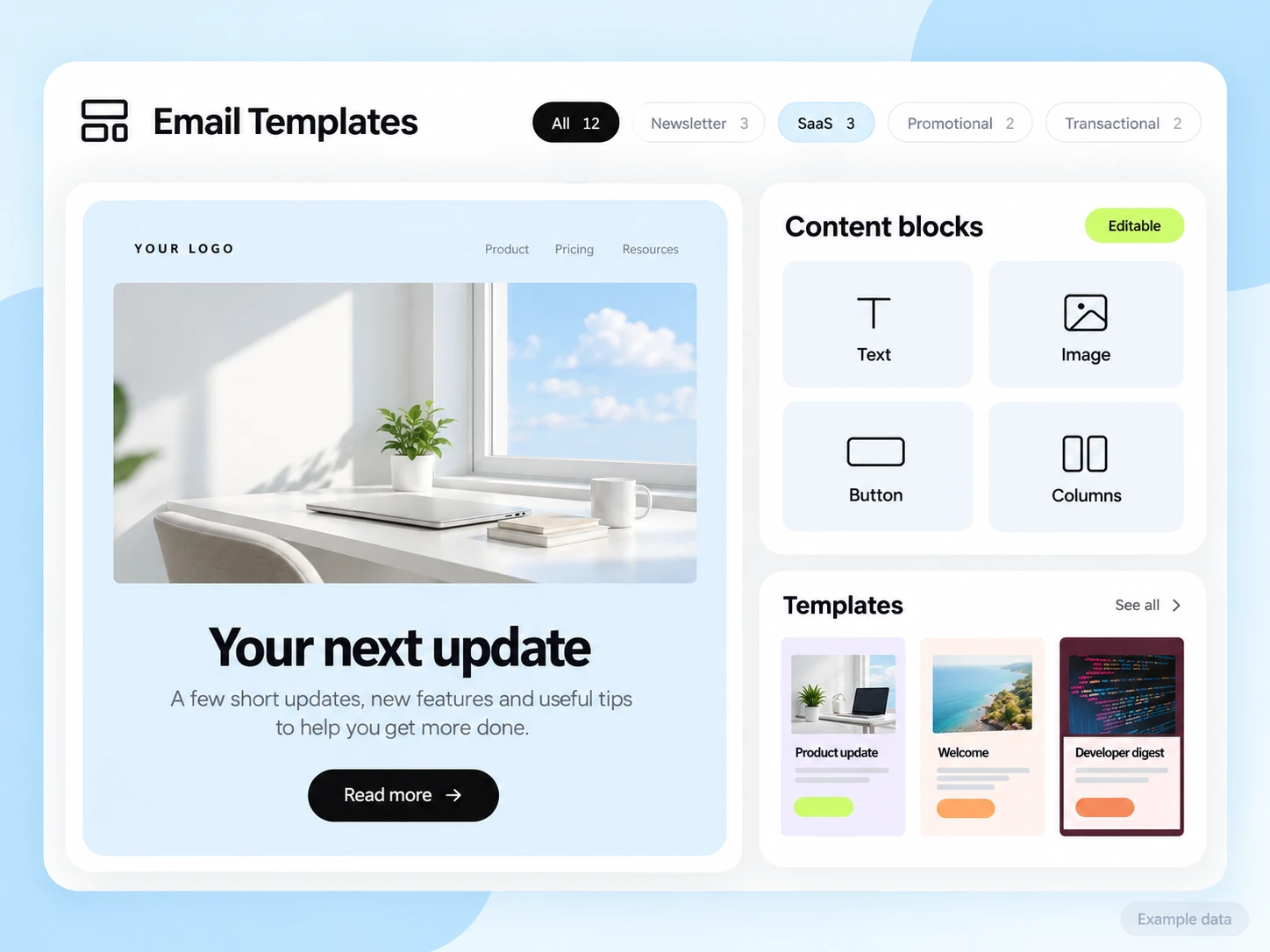
Your booking or membership system owns class capacity, schedules, attendance, and membership state. Build and validate the required connection before automating decisions from those records. No automatic gym-software connector is assumed.
Start with the setup guides and the API and SMTP documentation. Verify the domain, audience, template, and a complete test journey before sending to real contacts. Feature availability and limits depend on the plan.
Review booked trials, trial attendance, and confirmed memberships as separate outcomes. Use the membership system for the confirmed result and review cancellations when reporting.
Choose an attribution window before sending and keep its definition consistent in your report. Keep unavailable tracking marked as unavailable. The product illustrations on this page use example data and are not a promised or measured result for this industry.
Customer conversations
Use a monitored reply path and configure supported reply capture. Test that a reply stays connected with the right outgoing message, then agree who will answer it.
Keep the customer’s current state in your own source system when it determines what should happen next. A reply and a completed business action are different signals.
Explore customer replies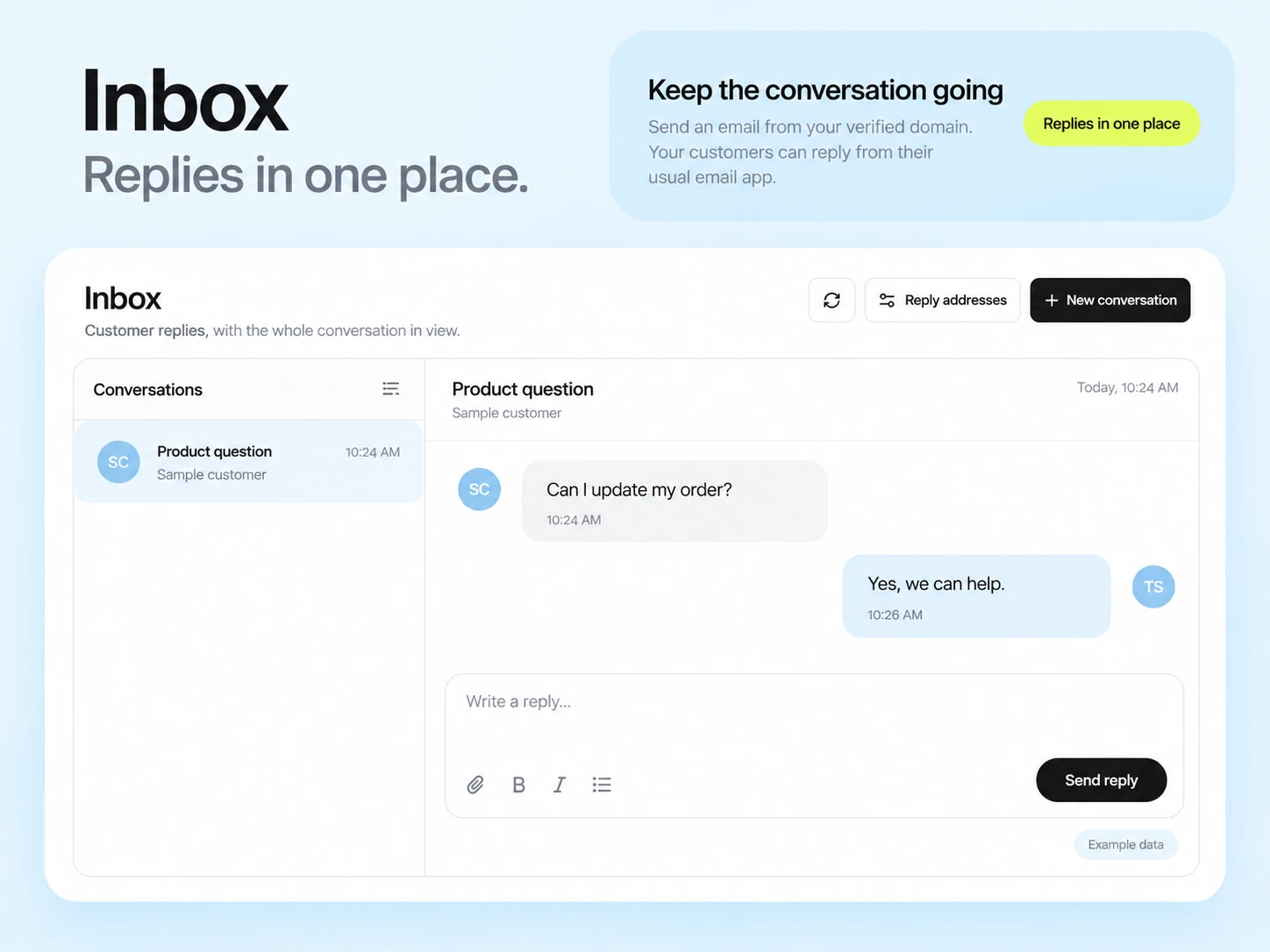
Use current schedule and booking data from your operating system, then connect it to the appropriate email path. Check date, time, location, and cancellation handling before enabling reminders.
Use the next real action, such as a booked or attended trial. Recorded opens and clicks help explain interest but do not prove attendance or a new membership.
Example campaign plan
Use current membership or class-booking records to identify the intended participant and class. Refresh canceled bookings and contact preferences before preparing the audience. This requires your own export or a configured connection to the booking system.
Example subject: “Ready for your first class?” Include the real location, arrival time, what to bring and an accessible way to ask a question. Adapt the welcome brief with accurate class details.
Verify schedule and directions on a phone and confirm the reply path. Reconcile attendance from your check-in process, rather than treating an email open as a completed visit.
3,000 email credits each month and up to 2,000 subscribed contacts on Free. Other plan limits apply.