A pre-arrival guide
Share check-in times, directions, contact details, and useful arrival information. Use the reservation’s real dates.
Email for hotels and hospitality
Plan pre-arrival emails, guest follow-ups, and relevant offers. Keep hotel email connected with accurate reservation details and customer replies.
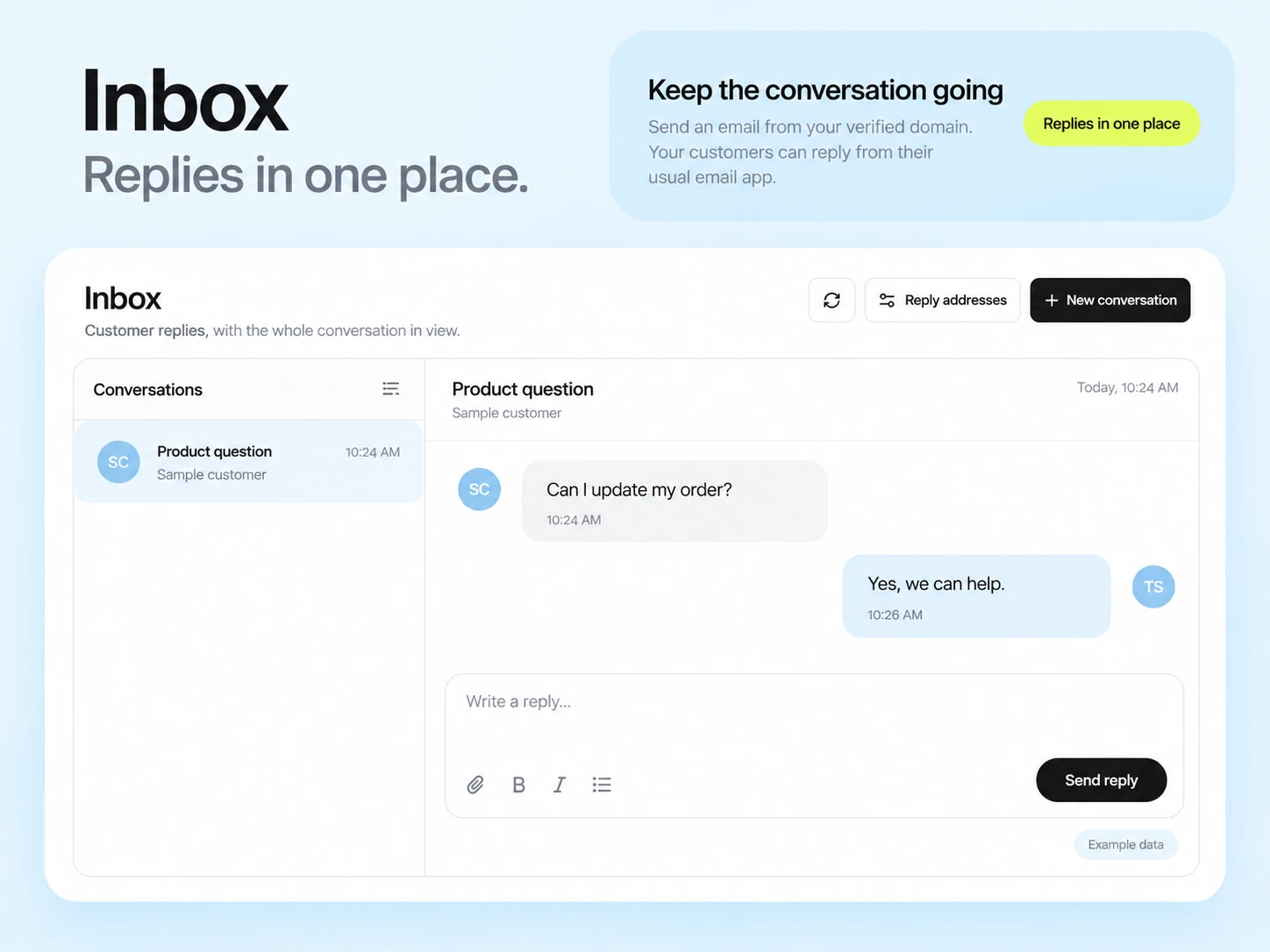
Guests need practical information before they arrive and a clear way to ask a question. Promotional email has a different purpose: help eligible past or prospective guests decide whether another stay fits their plans.
Keep prospective guests, confirmed reservations, in-house guests, and past guests distinct. Maintain stay dates and reservation state in your property system and share only the fields needed for each email.
Share check-in times, directions, contact details, and useful arrival information. Use the reservation’s real dates.
Explain the offer period, room or package conditions, and where to check current availability. Send to eligible subscribers.
Thank the guest and provide a way to share feedback. Keep feedback requests separate from any optional promotion.
Illustrative scenario
A hotel wants guests to receive accurate arrival information and to avoid reminders after a reservation is cancelled.
Have your reservation system pass a confirmed state, arrival date, and stable booking reference to the sending integration.
Use the latest check-in details and a monitored reply address. Test the message with a sample reservation before using real guest data.
Recheck the reservation status and date. Handle cancellations and modified arrivals so the old message is not sent at the wrong time.
Ask for feedback through the appropriate service message. Send future offers only to contacts eligible for that marketing.
Example email
Here are the arrival details and how to reach our team. If your arrival plans have changed, reply so we can help.
Example button: View arrival information
Adapt the wording, links, and timing to your actual offer and audience. This example does not describe a published customer campaign.
See the email editor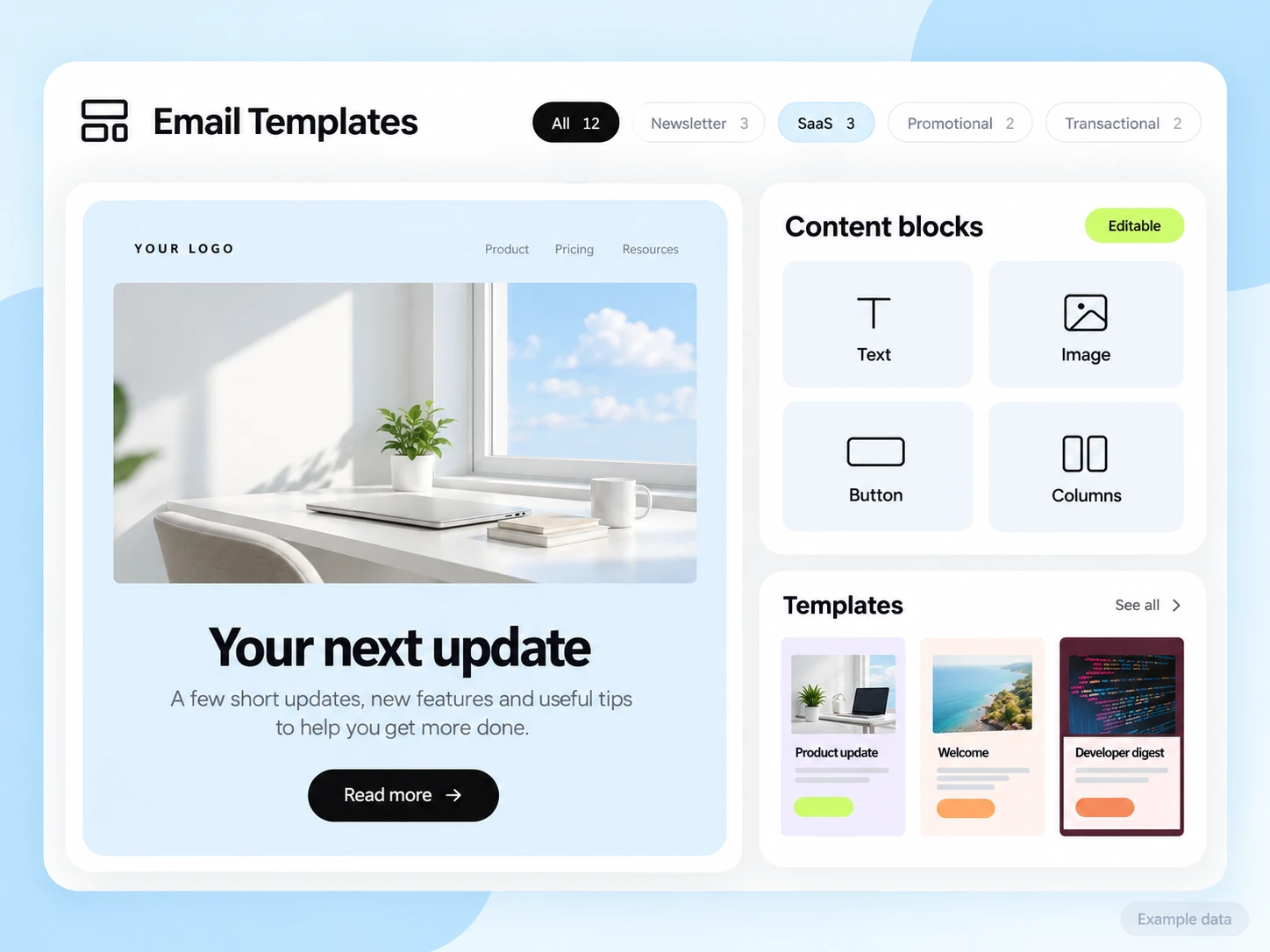
Reservation dates, room availability, payments, and cancellations remain in your property or booking system. A custom API, SMTP, or event connection must provide accurate data and timing. No property-management integration is assumed.
Start with the setup guides and the API and SMTP documentation. Verify the domain, audience, template, and a complete test journey before sending to real contacts. Feature availability and limits depend on the plan.
Track confirmed bookings for promotional campaigns separately from pre-arrival delivery and guest questions. Use the reservation system to verify bookings and cancellations.
Choose an attribution window before sending and keep its definition consistent in your report. Keep unavailable tracking marked as unavailable. The product illustrations on this page use example data and are not a promised or measured result for this industry.
Customer conversations
Use a monitored reply path and configure supported reply capture. Test that a reply stays connected with the right outgoing message, then agree who will answer it.
Keep the customer’s current state in your own source system when it determines what should happen next. A reply and a completed business action are different signals.
Explore customer repliesNo. Use your reservation system for availability, bookings, and payments. Connect the information needed for email through a verified integration.
Send promotions only to contacts eligible for that marketing. A past stay should not be treated as an automatic subscription to every future campaign.
Example campaign plan
Start with guests who currently subscribe to promotional updates and have relevant stay interests. Confirm any segments against your own reservation records. Do not treat a past booking as automatic permission for every future promotion.
Example subject: “A quieter weekend by the coast.” Explain the real stay experience and link to the current booking page. Use an actual property image, accurate terms and a single reservation action.
Verify rates and availability at the linked destination, test the mobile booking path and check cancellation handling in your own system. Count confirmed bookings from reservation records, with the review window stated.
3,000 email credits each month and up to 2,000 subscribed contacts on Free. Other plan limits apply.