An enquiry response
Acknowledge what the person asked and explain the next step, expected information, and the route for a reply.
Email for professional services
Answer enquiries, share useful expertise, and follow up on consultation requests. Create a professional-services email process that keeps conversations organized.
For a service business, the next useful action is often a conversation. Explain the service clearly, answer a real question, and make it easy for someone to request a consultation or quote.
Separate newsletter subscribers, active enquiries, booked consultations, and current clients. Keep confidential project or client records in your operating system and use only the context needed for the email.
Acknowledge what the person asked and explain the next step, expected information, and the route for a reply.
Answer a common pre-sale question with a practical resource. Explain who the guide is for and avoid promising a result you have not verified.
Tell existing clients about a relevant change in availability or process. Keep optional promotions separate from essential client communications.
Illustrative scenario
A service team wants a quote enquiry to receive a useful preparation guide without continuing generic sales reminders after a consultation is booked.
Record the service requested and a stable enquiry reference. Keep optional marketing preferences distinct from the request for a response.
Explain what information helps the consultation or quote. Link to a concise guide and invite a reply.
Have the booking or CRM process maintain whether a consultation is confirmed, cancelled, or still requested.
Give booked contacts preparation details. Stop or revise the enquiry reminder when the team has responded or the request has moved on.
Example email
Here is what to prepare and the questions we usually cover. Reply if there is a specific part of your request you want us to focus on.
Example button: Read the preparation guide
Adapt the wording, links, and timing to your actual offer and audience. This example does not describe a published customer campaign.
See the email editor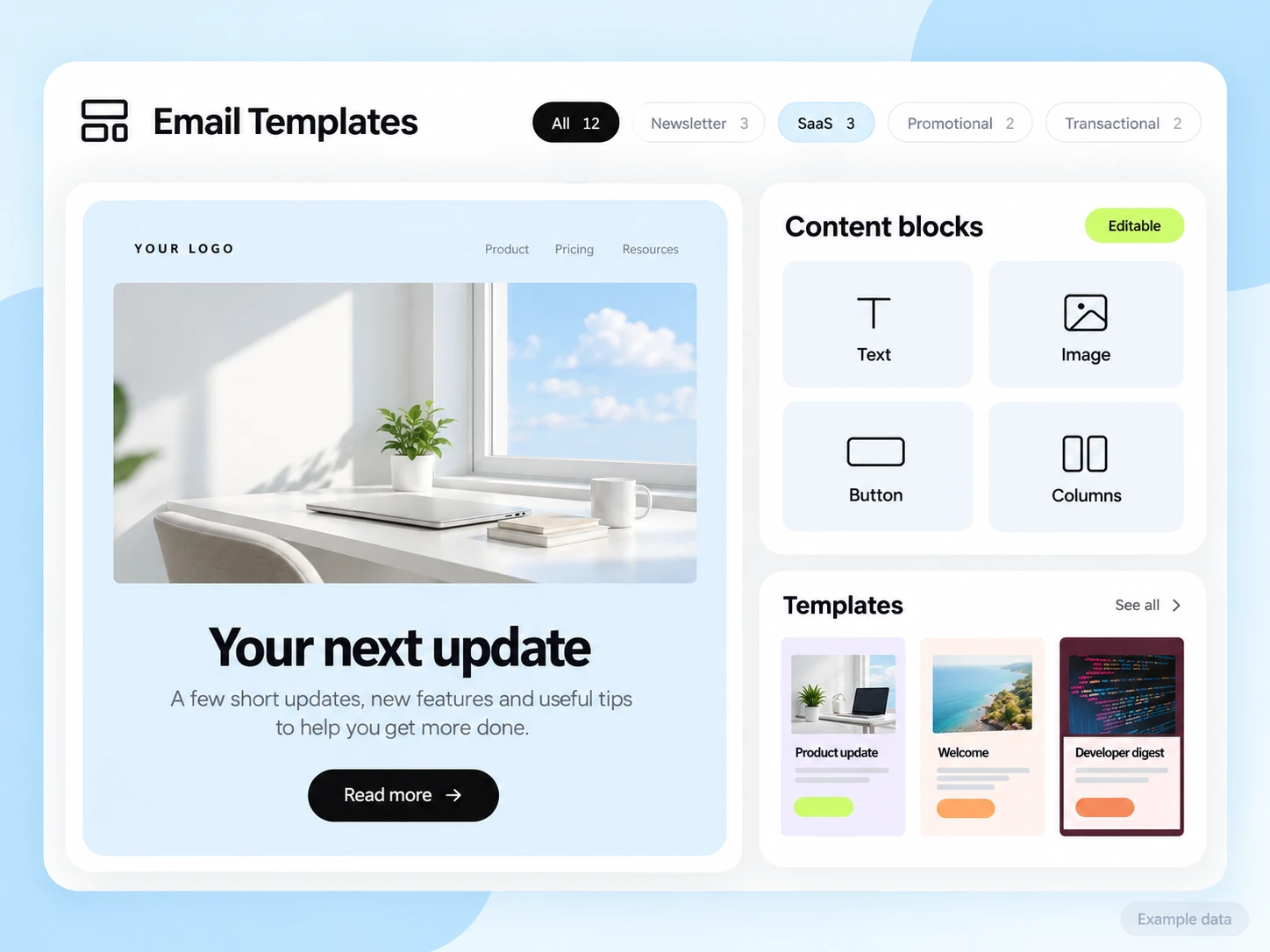
Your CRM, calendar, or project system provides enquiry, booking, and client state. Configure the connection needed for workflow conditions. SendMailOS handles email and supported conversations; it is not assumed to replace those operating tools.
Start with the setup guides and the API and SMTP documentation. Verify the domain, audience, template, and a complete test journey before sending to real contacts. Feature availability and limits depend on the plan.
Track qualified enquiries, consultations attended, and accepted proposals as separate stages. Connect completed business outcomes to your source records rather than treating every reply as a won client.
Choose an attribution window before sending and keep its definition consistent in your report. Keep unavailable tracking marked as unavailable. The product illustrations on this page use example data and are not a promised or measured result for this industry.
Customer conversations
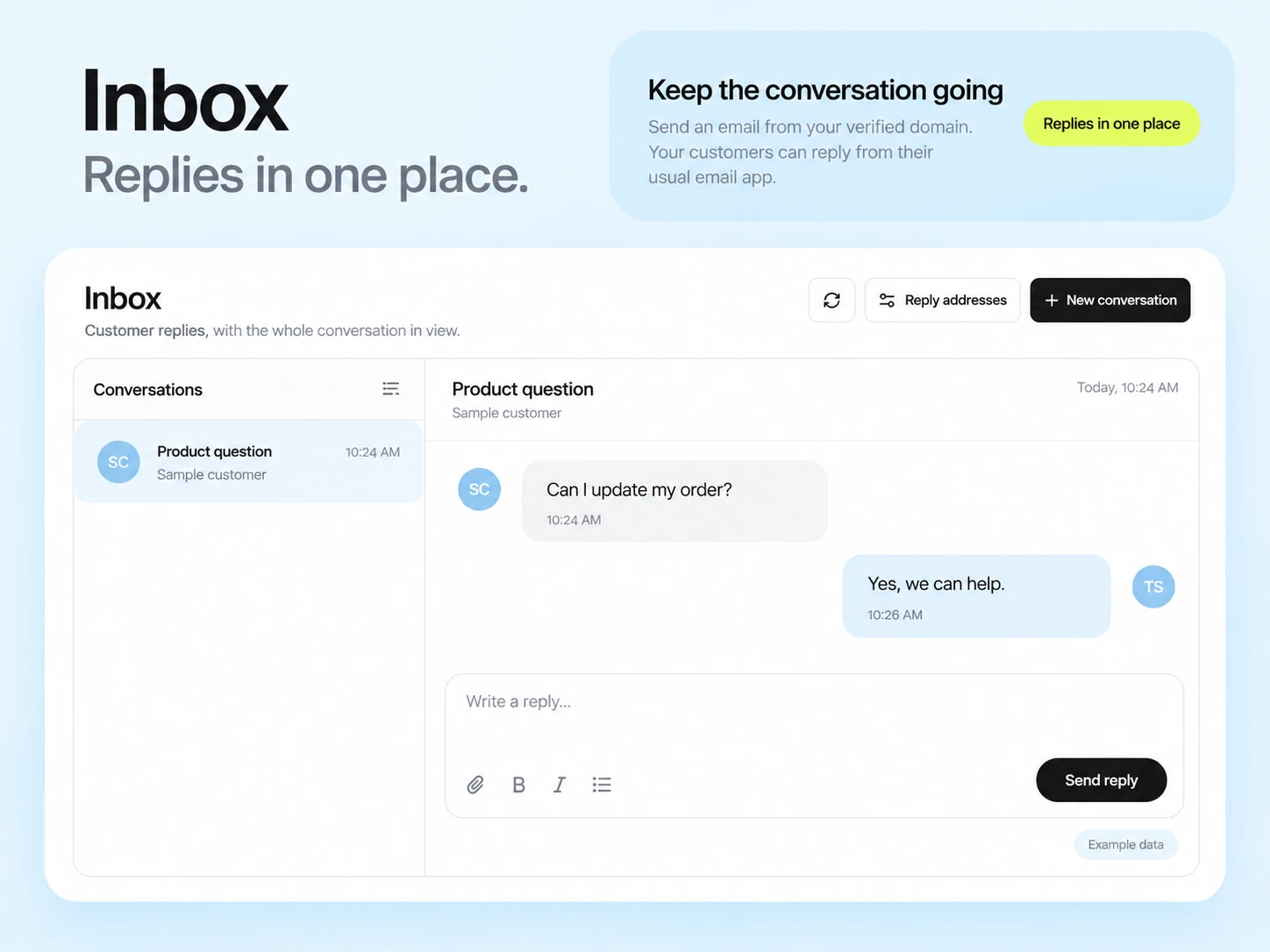
Use a monitored reply path and configure supported reply capture. Test that a reply stays connected with the right outgoing message, then agree who will answer it.
Keep the customer’s current state in your own source system when it determines what should happen next. A reply and a completed business action are different signals.
Explore customer repliesConfigure receiving and supported reply capture, use a monitored sender path, and test the conversation in Inbox before sending to the audience.
A request for a service response and a subscription to optional promotions are different contexts. Retain the communication choice and send the appropriate message for each.
Example campaign plan
Identify people who requested the specific resource and confirm the intended follow-up permission. Preserve source and exclusion records. A form or CRM must be connected explicitly; do not assume a public form submission has created a subscribed contact.
Example subject: “Here is the guide you requested.” Link to the real resource, explain one practical use and give a reply or consultation route. The Lead Magnet Delivery preset needs its webhook and content configured first.
Verify the resource permissions, link and reply destination. Keep confidential case details out of a general campaign. Count actual consultation requests in your booking or CRM records separately from downloads and clicks.
3,000 email credits each month and up to 2,000 subscribed contacts on Free. Other plan limits apply.