A requested property update
Share the listing details, current availability, and contact route. Recheck the source listing before the campaign goes out.
Email for real estate
Share current property information and follow up on enquiries. Build real-estate email around requested property interests, viewing requests, and accurate availability.
A property email should make the next decision easier: see the current listing, understand the details, and ask for a viewing. Keep information current and avoid sending irrelevant listings after someone’s search has changed.
Use property interests, locations, and request status that the contact supplied. Keep eligibility decisions and sensitive application records outside marketing segmentation. Update the search state when a contact asks you to stop or changes their needs.
Share the listing details, current availability, and contact route. Recheck the source listing before the campaign goes out.
Answer a question about the viewed property and link to the current information. Keep the message tied to the actual enquiry.
Group relevant available listings with concise descriptions. Send only to eligible subscribers who asked for that kind of update.
Illustrative scenario
An agency wants a viewing enquiry to receive a helpful follow-up while keeping sold or unavailable properties out of scheduled messages.
Keep a stable listing identifier and the enquiry context in your property system. Preserve the contact’s communication preference.
Link to the current listing and explain how to arrange the next step. Avoid copying an old price or availability statement into a reusable email.
Update the viewing or enquiry status after a team response. Connect that state if it determines which email should come next.
Confirm that the listing is still available and that the message still matches the request. Stop the sequence when the contact’s search or preference changes.
Example email
Here is the current listing and the information for arranging a viewing. Reply if there is something specific you would like to know.
Example button: View the current listing
Adapt the wording, links, and timing to your actual offer and audience. This example does not describe a published customer campaign.
See the email editor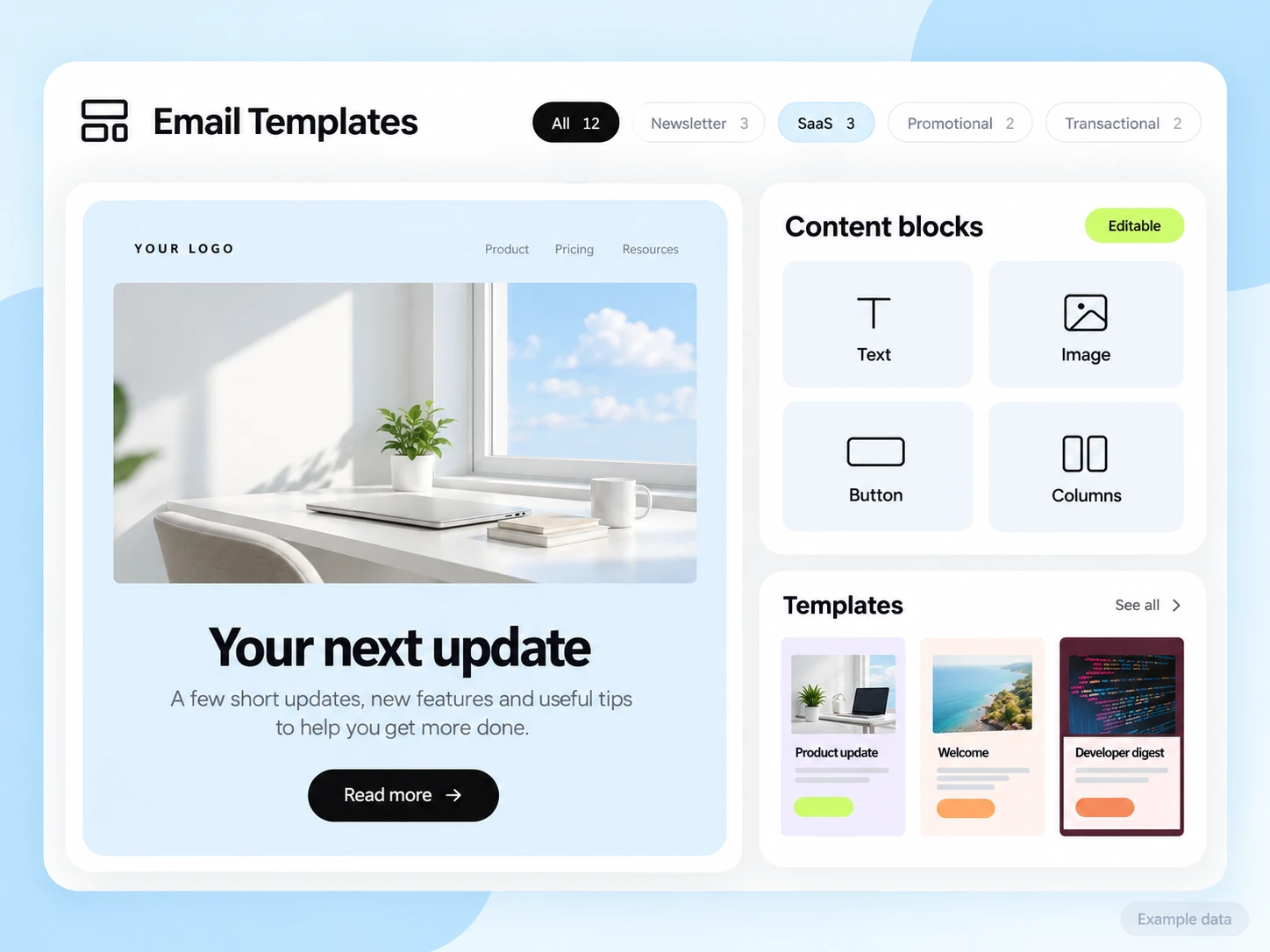
Your listing or CRM system owns availability, prices, viewing arrangements, and enquiry status. A tested connection must provide the information used by email. Do not assume automatic property feeds or native CRM synchronization.
Start with the setup guides and the API and SMTP documentation. Verify the domain, audience, template, and a complete test journey before sending to real contacts. Feature availability and limits depend on the plan.
Count qualified enquiries and confirmed viewings rather than all clicks as leads. Use the property or CRM system to verify later agreements and keep the reporting window explicit.
Choose an attribution window before sending and keep its definition consistent in your report. Keep unavailable tracking marked as unavailable. The product illustrations on this page use example data and are not a promised or measured result for this industry.
Customer conversations
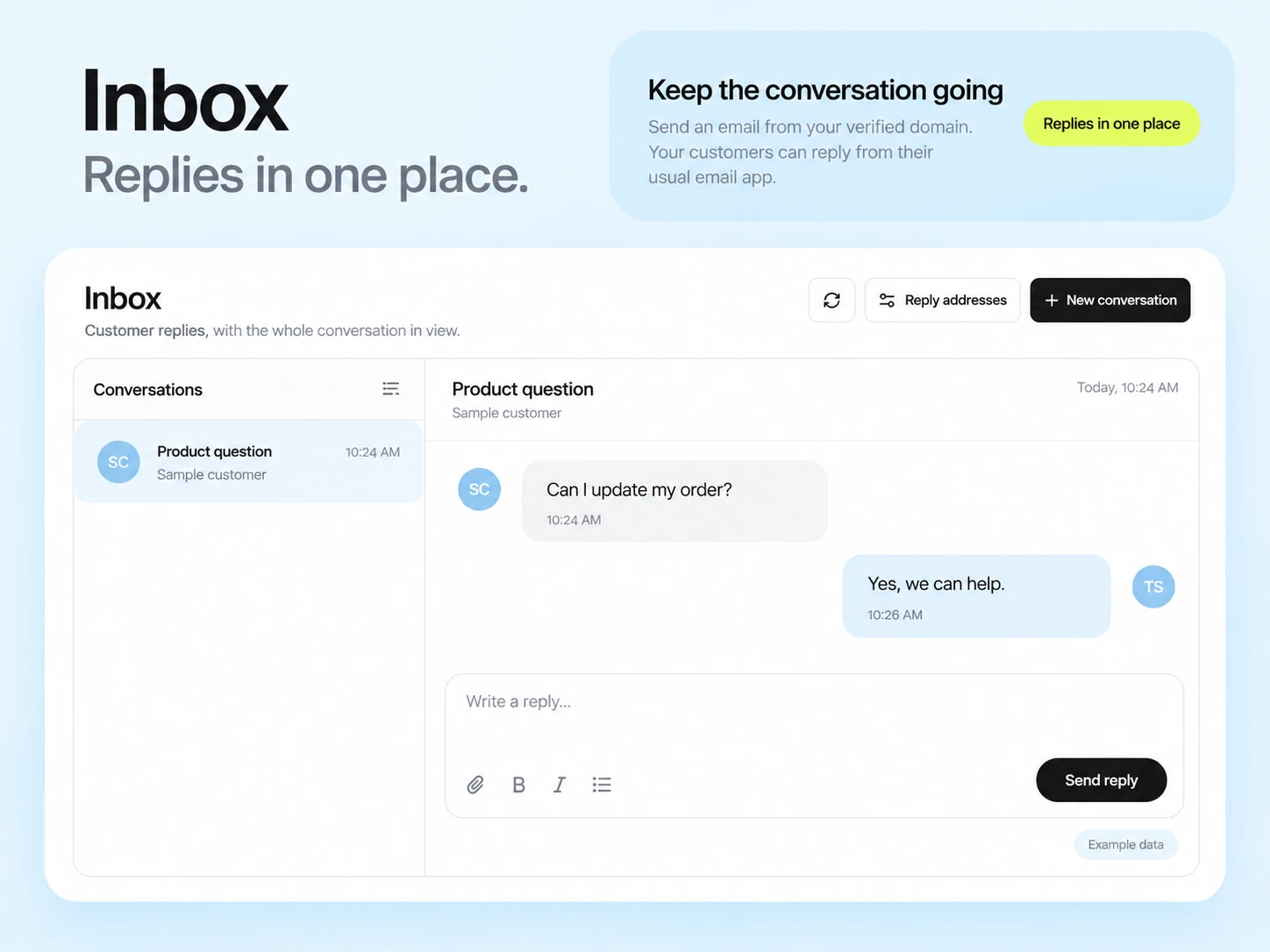
Use a monitored reply path and configure supported reply capture. Test that a reply stays connected with the right outgoing message, then agree who will answer it.
Keep the customer’s current state in your own source system when it determines what should happen next. A reply and a completed business action are different signals.
Explore customer repliesUse the property interests and locations the contact explicitly supplied, keep them current, and confirm eligibility for marketing. Do not infer sensitive characteristics for housing decisions.
Recheck your source listing before sending and update or pause scheduled content when availability changes. Build and test that check in the system that supplies the listing data.
Example campaign plan
Use the contact’s requested property interest and current communication preference from your CRM or reviewed inquiry export. Exclude withdrawn inquiries and ineligible marketing contacts. Property availability must be checked in your listing process.
Example subject: “The details from your property viewing.” Link to the current listing and provide one action to request a second viewing. Use verified property details and real images rather than assumed availability or financing claims.
Test the listing and scheduling destination. Record confirmed viewing requests in your CRM or appointment process; a tracked listing click is interest, not a confirmed appointment.
3,000 email credits each month and up to 2,000 subscribed contacts on Free. Other plan limits apply.