A first-task email
Point a new user to one action that shows the product’s value. Link directly to the relevant screen when your application supports it.
Email for saas and software
Welcome trial users, explain product features, and send application email. Plan SaaS onboarding messages around real product activity.
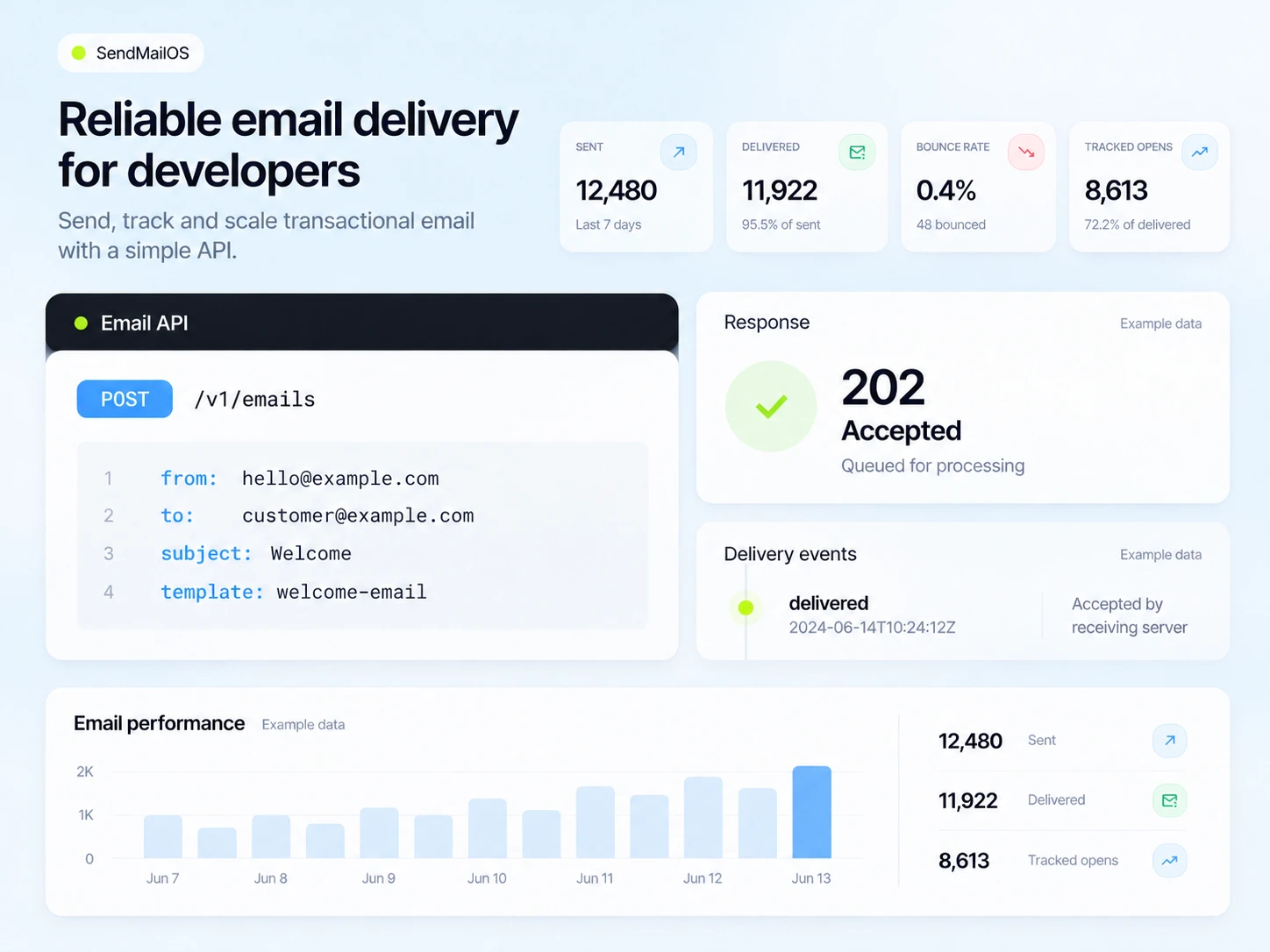
A new account is the start of onboarding, not proof that someone has used your product. Send the next message around the task a user needs to complete, and keep account messages separate from product promotions.
Use lifecycle states such as new signup, first task completed, active customer, and former trial. Have your application maintain those states so a successful user does not keep receiving beginner reminders.
Point a new user to one action that shows the product’s value. Link directly to the relevant screen when your application supports it.
Explain the change, who benefits, and how to use it. Choose an audience whose plan or use case makes the update relevant.
Send a password reset or service notification from your backend. Keep its purpose clear and do not treat it as permission for unrelated marketing.
Illustrative scenario
A software team wants new trial users to finish their first project without receiving reminders after they have already done it.
Create or update the contact from your backend and retain the communication preference. Add the trial state needed for the journey.
Send a welcome that points to creating the first project. Use one action and a short explanation of what happens next.
Have the application report the completion event or update the relevant field. Test what happens if the event is delayed or repeated.
Send a useful hint to eligible users who have not finished. Move completed users to the next appropriate guide and end the beginner reminder.
Example email
Start with one project and add the information you already have. This short guide shows the first steps and where to ask for help.
Example button: Open the first-project guide
Adapt the wording, links, and timing to your actual offer and audience. This example does not describe a published customer campaign.
See the email editor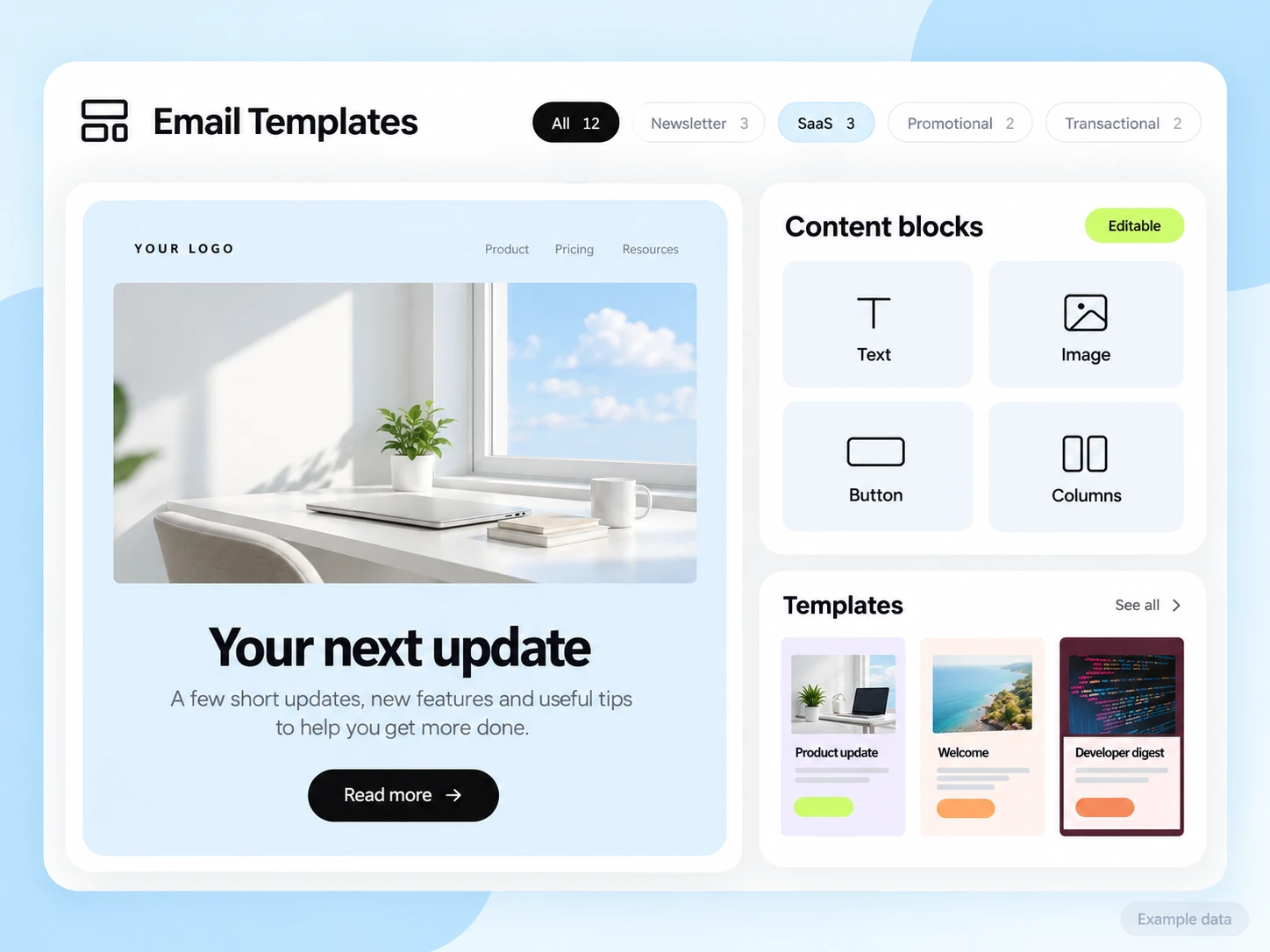
Your application owns authentication, billing, user state, and activation events. Connect the fields or events your sequence requires and keep API keys on the backend. Review signed webhooks and retry handling before production use.
Start with the setup guides and the API and SMTP documentation. Verify the domain, audience, template, and a complete test journey before sending to real contacts. Feature availability and limits depend on the plan.
Measure how many eligible new accounts complete the first task within your chosen onboarding window. Inspect qualified replies and completion time alongside email clicks.
Choose an attribution window before sending and keep its definition consistent in your report. Keep unavailable tracking marked as unavailable. The product illustrations on this page use example data and are not a promised or measured result for this industry.
Customer conversations
Use a monitored reply path and configure supported reply capture. Test that a reply stays connected with the right outgoing message, then agree who will answer it.
Keep the customer’s current state in your own source system when it determines what should happen next. A reply and a completed business action are different signals.
Explore customer replies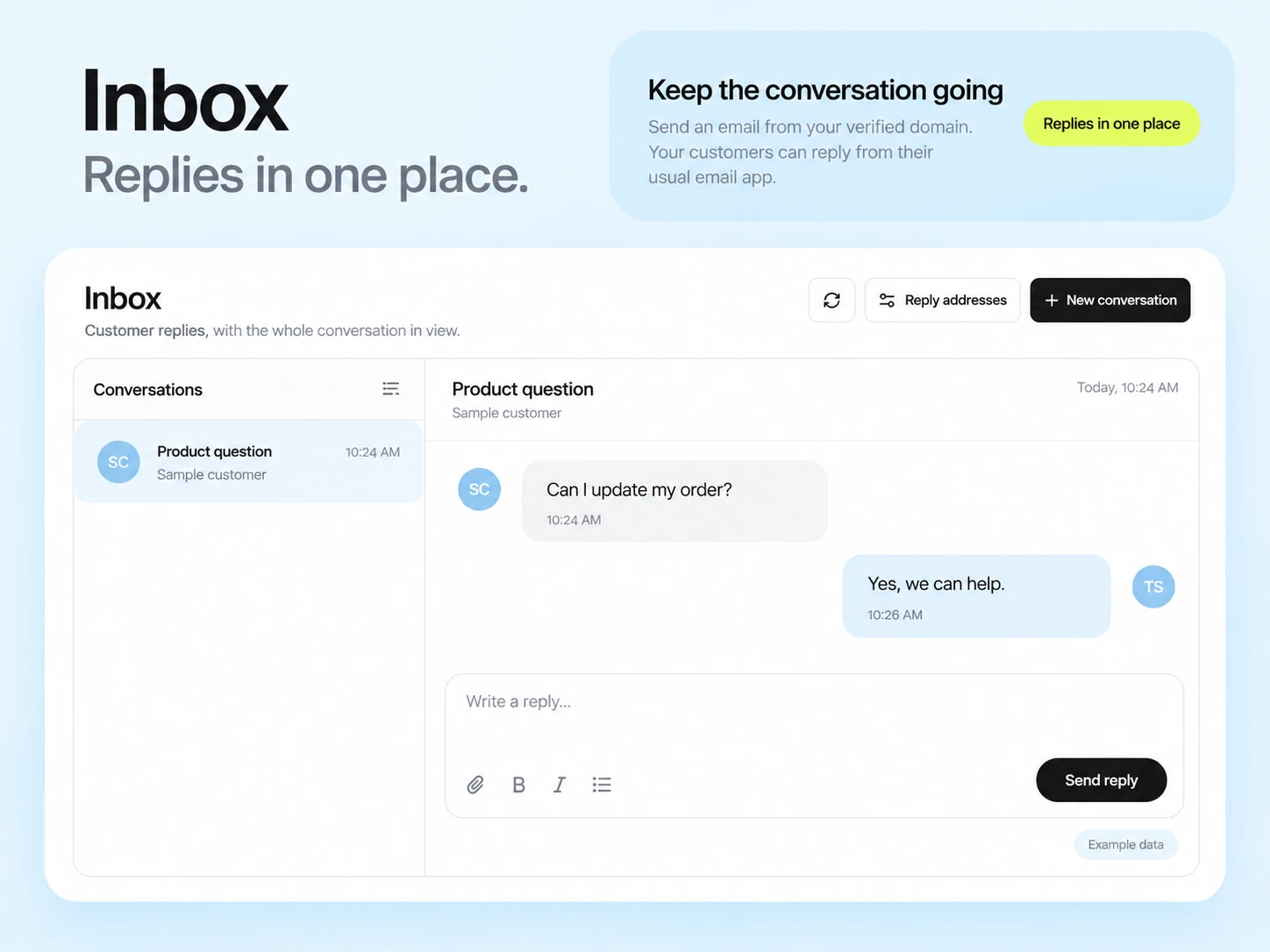
Use a product action for activation, such as completing setup or creating a project. Recorded opens can be affected by automated activity and are not proof of product use.
SendMailOS supports editable templates and Template Studio MCP. Verify the template and sending path your application uses, then test the rendered message before production.
Example campaign plan
Use an authorized export or configured backend integration to identify eligible new users who have not completed setup. Maintain a setup_complete tag from real application state; SendMailOS does not infer activation from a welcome-email open.
Example subject: “Your first project starts here.” Give one setup instruction and link directly to the relevant application screen. The SaaS Onboarding dashboard preset is a starting point after its trigger and tag updates are configured.
Test the branch with both completed and incomplete setup records. Measure confirmed setup completions in your application and avoid counting email clicks as activation.
3,000 email credits each month and up to 2,000 subscribed contacts on Free. Other plan limits apply.