A destination email
Show the destination, departure date, inclusions, and quote or booking link. Confirm the current price and availability before sending.
Email for travel agencies
Share relevant trips, follow up on travel enquiries, and keep customer replies together. Build email journeys around destination interests and real availability.
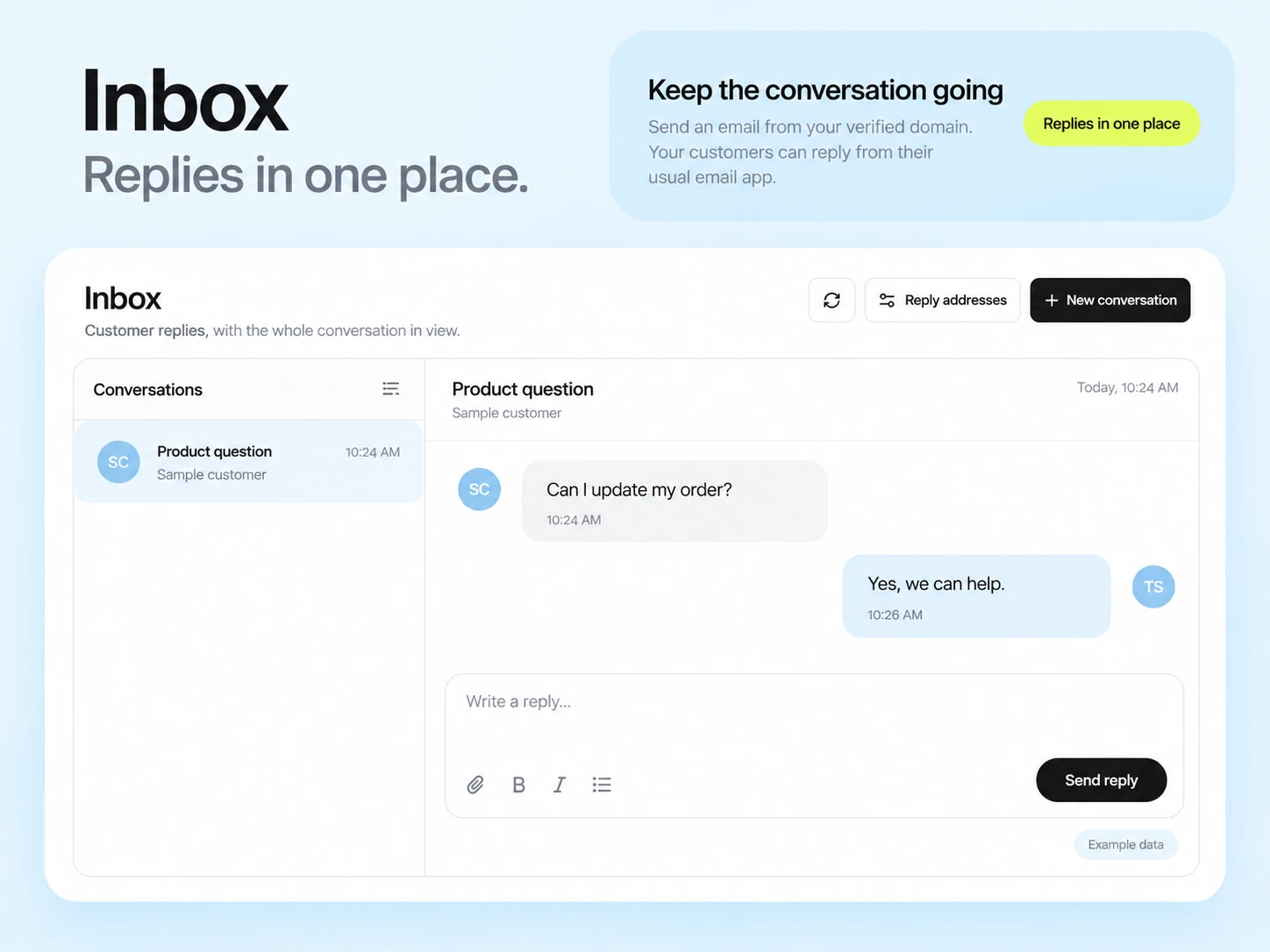
A useful travel email answers the questions a traveller has now: where, when, what is included, and how to ask for a quote. Send a destination offer to an interested audience and keep the conversation easy to follow.
Organize contacts by the destinations or trip types they chose, enquiry status, and whether a booking is confirmed. Keep private travel documents in your booking system rather than marketing contact fields.
Show the destination, departure date, inclusions, and quote or booking link. Confirm the current price and availability before sending.
Answer a common planning question and invite the traveller to reply with the information your team actually needs.
Send confirmed travellers practical timing and contact details from a reliable booking record. Keep essential travel information separate from optional offers.
Illustrative scenario
An agency wants to help people who requested a beach holiday without sending them every trip in its catalogue.
Tag the selected destination or trip type and retain the contact’s marketing preference. Keep a clear reference to the enquiry in your own system.
Share an itinerary overview, what is included, and the route for requesting a quote. Avoid presenting an expired price as available.
Wait before following up. Have the team answer questions in the conversation and update the enquiry state when a quote or booking is confirmed.
Use an updated booking-state field or event to remove confirmed travellers from the enquiry sequence. Test the connection before enabling it.
Example email
Here is the itinerary overview and what is included. Reply if you would like us to check dates and availability for your group.
Example button: View the itinerary
Adapt the wording, links, and timing to your actual offer and audience. This example does not describe a published customer campaign.
See the email editor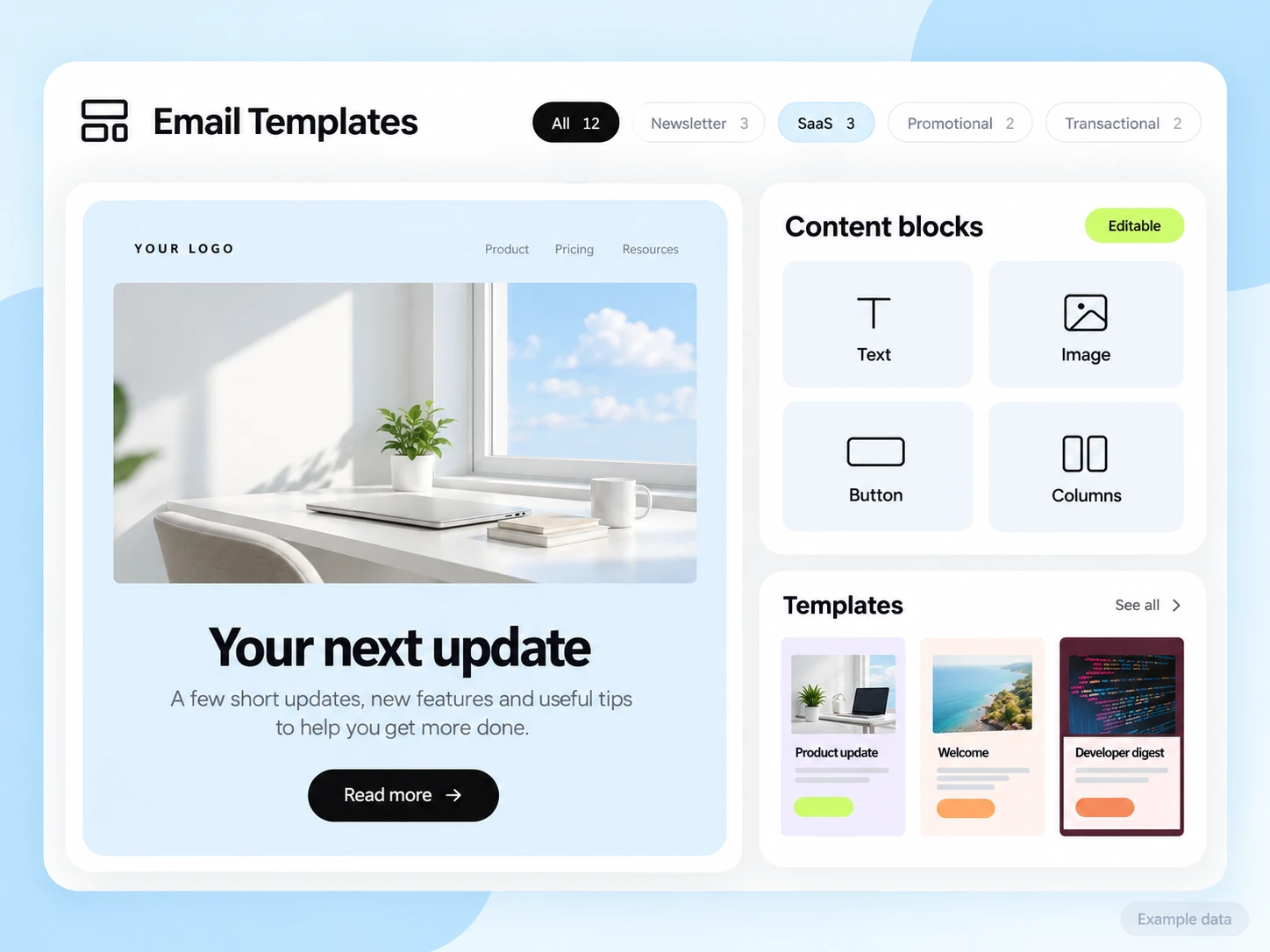
Your booking or travel system must provide itinerary, availability, quote, and confirmed-booking data. Plan the required integration explicitly. SendMailOS is the email workspace; it does not replace ticketing, reservations, or travel-document management.
Start with the setup guides and the API and SMTP documentation. Verify the domain, audience, template, and a complete test journey before sending to real contacts. Feature availability and limits depend on the plan.
Count qualified quote requests and confirmed bookings linked to the campaign or enquiry cohort. Keep replies, quotes, and paid bookings as different stages rather than one conversion total.
Choose an attribution window before sending and keep its definition consistent in your report. Keep unavailable tracking marked as unavailable. The product illustrations on this page use example data and are not a promised or measured result for this industry.
Customer conversations
Use a monitored reply path and configure supported reply capture. Test that a reply stays connected with the right outgoing message, then agree who will answer it.
Keep the customer’s current state in your own source system when it determines what should happen next. A reply and a completed business action are different signals.
Explore customer repliesUse the destination interests and eligible subscriber segments you maintain. Test the audience before sending so travellers receive offers relevant to the preferences they supplied.
Only after the booking state reaches the email workflow through a configured and tested connection. Do not assume the booking system and SendMailOS synchronize by default.
Example campaign plan
Group people by the destination and travel window they actually requested. Use your inquiry records to prepare tags and remove withdrawn or excluded contacts. Reservation availability and prices remain in your booking process, not an assumed native connection.
Example subject: “Three ideas for your next trip.” Summarize the requested destination options and link to current details. Ask for a preferred date or budget through your configured reply channel; avoid unconfirmed price or availability promises.
Send a controlled test and confirm the reply reaches the intended conversation. Reconcile inquiries progressing to real booking records separately from tracked email engagement.
3,000 email credits each month and up to 2,000 subscribed contacts on Free. Other plan limits apply.