Free sending allowance
SendMailOS
3,000 email credits per monthly allowance window.
Brevo
300 emails per day. Unused daily sends do not carry forward.
Compare email platforms
Compare SendMailOS and Brevo for email sending limits, contacts, workflows, and customer replies. Understand daily versus monthly allowances before choosing.
3,000 email credits per monthly allowance window.
300 emails per day. Unused daily sends do not carry forward.
Up to 2,000 subscribed contacts.
Storage for up to 100,000 contacts. Storage capacity is different from daily send capacity.
Three workflows in the published Free plan.
Up to 2,000 unique contacts can enter active automations on Free. This is a different kind of limit.
Campaigns, workflows, Pixel, native replies, API, and SMTP. Feature availability depends on the plan.
Email, transactional messaging, and additional marketing and sales channels; availability and add-ons vary by plan.
Plan details checked October 23, 2026. Different products count contacts and usage differently; review the linked sources and the allowances in your account.
Starter includes 25,000 hosted emails per billing month, 10,000 active subscribers, and one connected sending server. Own-server sending has no monthly platform email quota and does not use hosted credits.
Starter subscription and your VPS costs apply. Warm-up, fair use, server capacity, subscriber limits and other plan limits apply.
Starter starts at US$9/month for 5,000 monthly emails. The final price depends on sending volume and selected options. Brevo combines marketing and transactional sending with a managed delivery platform. Compare contact rules, automation limits, and required add-ons for your exact setup.
Check Brevo’s official pricing
Checked October 24, 2026. Competitor prices are in USD; SendMailOS prices are in EUR. These are entry-plan examples, not equal-capacity quotes or a currency conversion. Billing terms, taxes, promotions, contact tiers, and selected extras may change the final price. SendMailOS own-server delivery still requires your paid plan, VPS costs, and sending safeguards.
Start free, or connect your own sending server from €12/month. Every paid plan also includes a monthly hosted sending allowance.
Build and test your first campaigns.
Hosted delivery uses your monthly email allowance.
Start freeFor one brand ready to send regularly.
Unlimited own-server emailsVPS costs, sending safeguards, and other plan limits apply.
Choose StarterFor teams managing more brands and workflows.
Unlimited own-server emailsVPS costs, sending safeguards, and other plan limits apply.
Choose GrowthFor larger audiences and more sending infrastructure.
Unlimited own-server emailsVPS costs, sending safeguards, and other plan limits apply.
Choose ProPrices shown per month in EUR. A hosted email uses one send per recipient. Own-server delivery does not use hosted credits. Your VPS costs and other plan limits still apply.
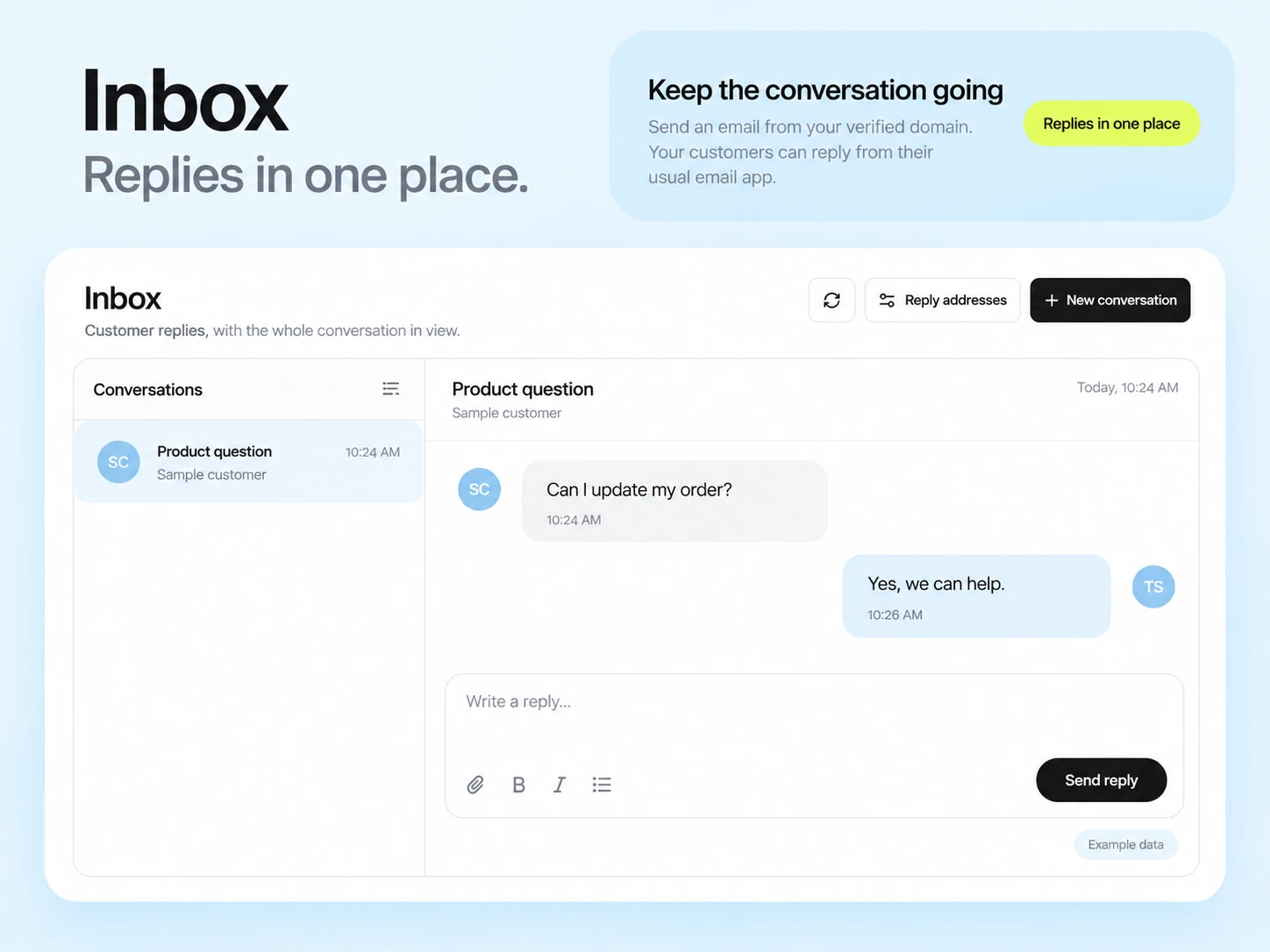
See every plan limitYou want to keep email creation, automated follow-ups, and customer conversations together. Test the inbox alongside your campaigns, rather than choosing on send count alone.
SMS, WhatsApp, or a wider sales and marketing setup are central to your process. Confirm channel availability, message credits, and add-ons for the exact plan you need.
A daily allowance is useful for a steady flow of small sends. A monthly allowance describes the total capacity available across a billing window. They are not directly interchangeable.
For example, a 600-recipient announcement exceeds Brevo Free’s 300 daily sends. Its documentation explains that the remaining recipients need to be requeued across days. For SendMailOS, budget one credit per recipient against the monthly allowance and check any current account restrictions before scheduling. Do not assume a monthly allowance guarantees a particular sending speed.
If you depend on a launch reaching everyone at a specific time, test the timing and review the relevant paid plan. A larger contact-storage limit does not by itself increase sending capacity.
Separate email campaigns and transactional messages from SMS, WhatsApp, chat, and sales tasks. Decide which work must stay connected.
Document tags, subscriber fields, website events, and the conditions that start or stop a workflow.
Test one campaign, a response, and the next email in SendMailOS. Check ownership of the reply and the subscriber’s preferences.
Include campaigns, automation messages, and application email. Review remaining credits and your reset window before moving live traffic.
Brevo documents a 300-email daily limit with no rollover. Multiplying by the days in a month does not create a pooled monthly allowance, and it does not allow a larger one-day campaign.
Evaluate it for the email tools described here. Do not assume that Brevo’s SMS, WhatsApp, sales, or other channel workflows can move into SendMailOS.
Check the number of workflows, eligible contacts, available triggers, and the exact actions your sequence needs. Workflow counts and automation-contact limits measure different things.
Written by the SendMailOS team. We checked the linked product and plan documentation on October 23, 2026. This is our own comparison, not an independent product test. Features, limits, and prices can change; check the plan you will actually use.
Competitor names identify the products being compared. No affiliation or endorsement is implied.
3,000 emails each month. Up to 2,000 subscribed contacts. Check your workspace for current limits and paid plans.