API and SMTP
SendMailOS
HTTP email API, sending-only SMTP credentials, and signed webhooks.
SendGrid
Web API and SMTP options for application email.
Compare email platforms
Compare SendMailOS and SendGrid for API sending, SMTP, free access, delivery events, templates, and campaign workflows. Use a practical migration checklist.
HTTP email API, sending-only SMTP credentials, and signed webhooks.
Web API and SMTP options for application email.
3,000 email credits per monthly allowance window on Free, subject to account limits.
The documented Email API trial allows 100 emails per day for 60 days, then requires a paid plan.
Visual templates and Template Studio MCP, plus campaigns and native reply conversations.
Compare the Email API and Marketing Campaigns product plans for the tools your team needs.
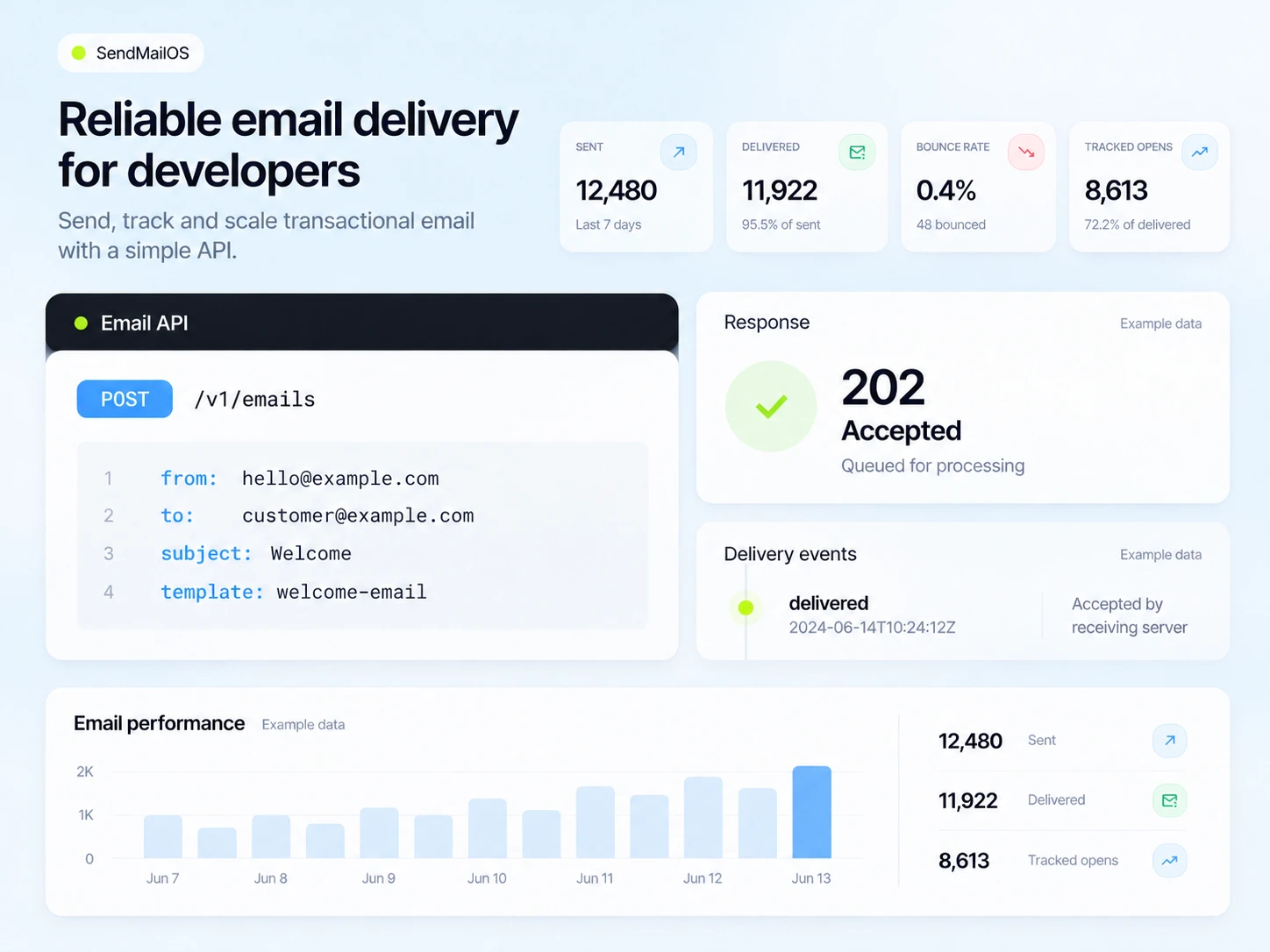
A 202 response means accepted for processing. Follow status and delivery events.
Map your existing response codes and event handling before changing providers.
Plan details checked October 23, 2026. Different products count contacts and usage differently; review the linked sources and the allowances in your account.
Starter includes 25,000 hosted emails per billing month, 10,000 active subscribers, and one connected sending server. Own-server sending has no monthly platform email quota and does not use hosted credits.
Starter subscription and your VPS costs apply. Warm-up, fair use, server capacity, subscriber limits and other plan limits apply.
Email API Essentials starts at US$19.95/month. Pro starts at US$89.95/month. The free Email API trial allows 100 emails/day for 60 days. SendGrid offers managed email infrastructure, SMTP/API, and dedicated IP options on selected plans. A provider-managed dedicated IP is different from connecting a VPS you operate.
Check Twilio SendGrid’s official pricing
Checked October 24, 2026. Competitor prices are in USD; SendMailOS prices are in EUR. These are entry-plan examples, not equal-capacity quotes or a currency conversion. Billing terms, taxes, promotions, contact tiers, and selected extras may change the final price. SendMailOS own-server delivery still requires your paid plan, VPS costs, and sending safeguards.
Start free, or connect your own sending server from €12/month. Every paid plan also includes a monthly hosted sending allowance.
Build and test your first campaigns.
Hosted delivery uses your monthly email allowance.
Start freeFor one brand ready to send regularly.
Unlimited own-server emailsVPS costs, sending safeguards, and other plan limits apply.
Choose StarterFor teams managing more brands and workflows.
Unlimited own-server emailsVPS costs, sending safeguards, and other plan limits apply.
Choose GrowthFor larger audiences and more sending infrastructure.
Unlimited own-server emailsVPS costs, sending safeguards, and other plan limits apply.
Choose ProPrices shown per month in EUR. A hosted email uses one send per recipient. Own-server delivery does not use hosted credits. Your VPS costs and other plan limits still apply.
See every plan limitYour developers and campaign team want to work with sending, editable content, and reply conversations in one organization.
Your production integration already relies on its particular API behavior, operational tooling, or plan features. Treat replacing those dependencies as engineering work and test them explicitly.
Changing the hostname or SMTP password is not a complete migration. Your application also depends on error handling, retries, event formats, templates, and subscriber preferences. Verify each contract using a controlled test before moving production email.
SendMailOS supports idempotency keys for retrying the same API send request. Use a stable key for the same intended message and inspect the documented responses. Do not assume SendGrid SDK calls, template identifiers, or webhook payloads will work unchanged.
For SendMailOS SMTP, the published setup uses STARTTLS on port 2525 or implicit TLS on port 2465. Check that your application or hosting environment supports those settings. A sending-only SMTP password is different from the password used to log in to the dashboard.
Record sender domains, templates, headers, attachments, recipient fields, and expected error responses. Identify which messages are transactional and which are marketing.
Create the new sending identity and credentials. Test API or SMTP from your own backend without exposing secrets in browser code.
Verify webhook signatures. Handle duplicate or retried events and check how your application records failures, bounces, and unsubscribes.
Keep a rollback route. Confirm that receipts, password resets, and replies reach the right application records before moving the remaining traffic.
SendMailOS offers SMTP sending. Configure the documented host, TLS port, and sending-only password, then test compatibility with your application.
The current Email API documentation describes a 60-day trial with 100 emails per day. Check the current product plan before relying on ongoing free sending.
No. Request acceptance, delivery to a receiving server, and placement in a recipient’s inbox are different events. Follow delivery status and test your own sending setup.
Written by the SendMailOS team. We checked the linked product and plan documentation on October 23, 2026. This is our own comparison, not an independent product test. Features, limits, and prices can change; check the plan you will actually use.
Competitor names identify the products being compared. No affiliation or endorsement is implied.
3,000 emails each month. Up to 2,000 subscribed contacts. Check your workspace for current limits and paid plans.